1.Why Are My Sublimation Prints Faded? How to Fix Dull Sublimation Colors
Have you ever finished a sublimation project and thought:
- Why do my colors look washed out?
- Why isn't the image as vibrant as it looked on the screen?
- Why does my black look gray?
- Why are my reds, blues, and greens so weak?
- Is my temperature too low?
- Did I use the wrong transfer time?
- Is there something wrong with my sublimation paper or blank?
If so, you're not alone.
"Faded sublimation prints" and "dull sublimation colors" are two of the most common problems beginners and experienced makers face.
The good news?
Both issues are usually caused by a small number of factors, and most can be fixed with simple adjustments.
In this guide, we'll explain why sublimation prints look faded, why colors appear dull, and how to achieve brighter, more vibrant results every time.
2.Is Your Temperature Too Low?
This is one of the most common causes of faded sublimation results.
Ask yourself:
Did the Dye Reach Sublimation Temperature?
Sublimation ink must reach the correct temperature before it can transform into gas and permanently bond with the coating or polyester fibers.
If the temperature is too low:
❌ Colors remain weak
❌ Blacks appear gray
❌ Fine details lose definition
❌ The transfer looks incomplete
How Can You Fix It?
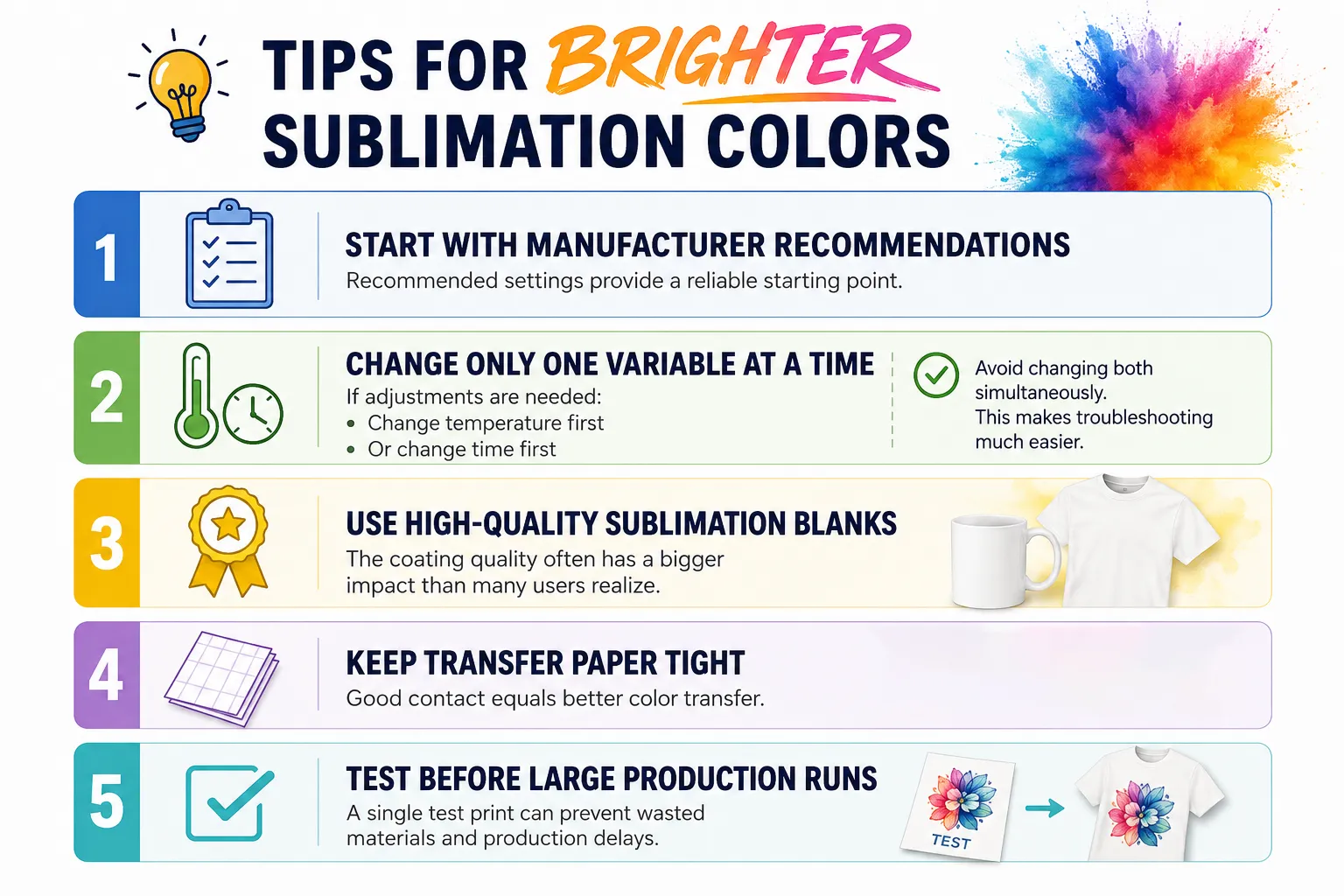
Try increasing the temperature slightly.
Small adjustments of 5–10°F can often make a noticeable difference.
Always test gradually rather than making large changes.
3.Is Your Transfer Time Too Short?
Even when the temperature is correct, insufficient time can prevent complete dye transfer.
What Happens When Heating Stops Too Early?
The dye may not fully penetrate the coating.
This often results in:
❌ Faded colors
❌ Weak blacks
❌ Low color saturation
❌ Uneven image quality
How Can You Fix It?
Increase transfer time slightly and compare the results.
Remember:
Temperature and time work together.
A perfect temperature with insufficient time can still produce disappointing results.
4.Is the Transfer Paper Making Good Contact?
Another common question is:
"Why Does One Side Look Good While Another Side Looks Faded?"
Poor contact is often the answer.
If the paper lifts away from the surface during heating, some areas may receive less dye transfer.
This can happen because of:
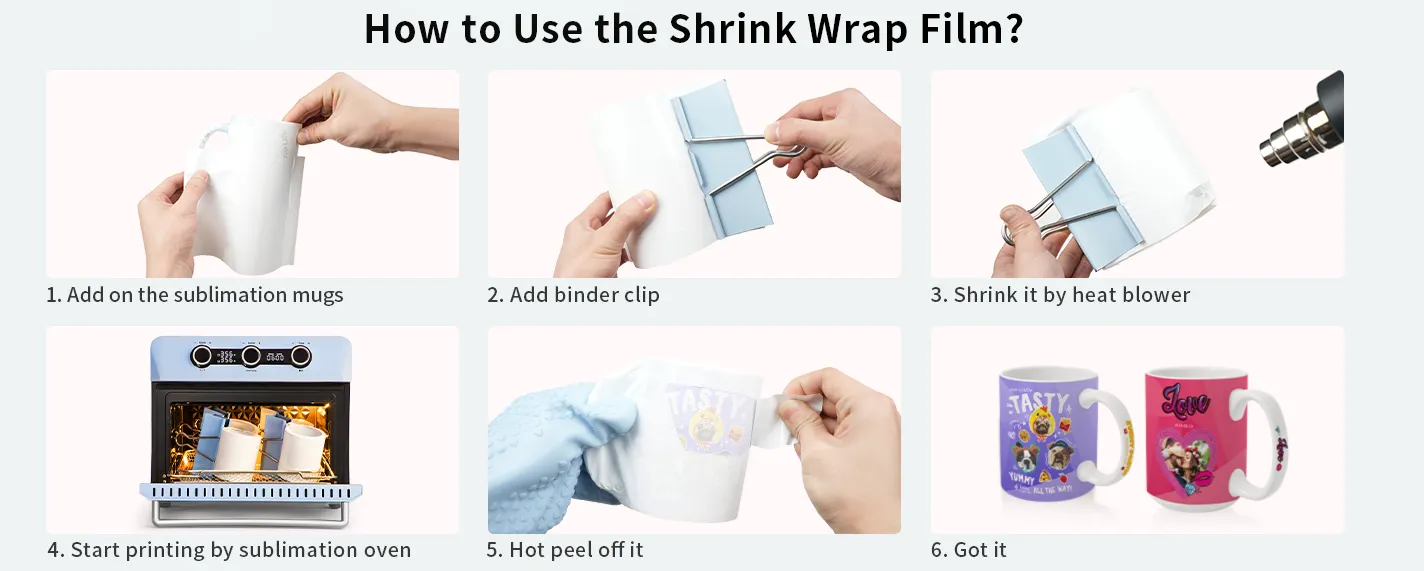
- Loose wrapping
- Insufficient pressure
- Wrinkles
- Improper taping
- Poor shrink-wrap application
Signs of Poor Contact
❌ Uneven colors
❌ Patchy areas
❌ Faded edges
❌ Inconsistent saturation
The tighter the transfer paper sits against the blank, the better the final result.
5.Is Your Sublimation Printer Printing Accurate Colors?
Sometimes the issue starts before the transfer process even begins.
Ask yourself:
Does the Printed Transfer Look Weak?
Although sublimation prints often appear muted before pressing, extremely pale prints may indicate:
- Incorrect printer settings
- Low ink levels
- Clogged print heads
- Poor color profiles
6.Are You Using the Correct Paper Side?
It sounds simple, but it happens more often than many people realize.
Did You Print on the Correct Side?
Printing on the wrong side of sublimation paper can result in:
❌ Weak color release
❌ Poor image transfer
❌ Reduced saturation
Always confirm the printable side before starting production.
7.Are You Sublimating Flat Products Like Glass or Acrylic Photo Frame?
Not all sublimation problems happen on tumblers and mugs.
you may encounter a different set of transfer issues.
Does the Design Look Sharp in the Center but Faded Around the Edges?
This is one of the most common flat-product sublimation problems.
Possible causes include:
❌ Uneven pressure
❌ An unlevel heat press
❌ Warped substrates
❌ Insufficient contact between the transfer paper and the blank
Even a small gap can reduce dye transfer and cause faded areas around the edges.
How Can You Fix It?
Try:
✅ Using a heat-resistant foam pad when recommended
✅ Checking that the heat press closes evenly
✅ Securing the transfer paper firmly with heat-resistant tape
✅ Verifying that the blank sits completely flat on the press
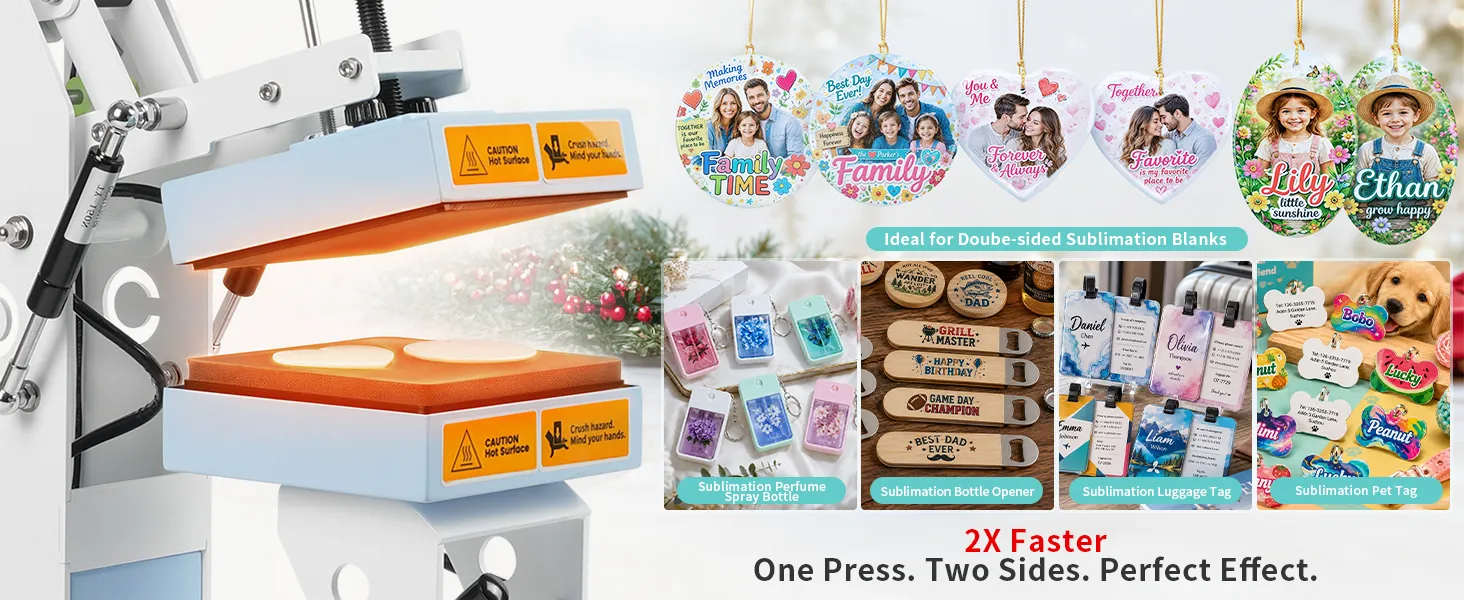
Are Your Colors Looking Dull on Glass or Acrylic?
Many users assume the temperature is too low.
However, with glass and acrylic products, another common issue is pressing on the wrong side.
Ask yourself:
Did You Print on the Coated Side?
Many sublimation photo frames and acrylic panels have only one sublimation-coated surface.
Printing on the wrong side can cause:
❌ Extremely faded colors
❌ Poor image transfer
❌ Weak color saturation
❌ Blurry details
Always verify which side is coated before pressing.
Is the Protective Film Still Attached?
This happens more often than you might think.
Some sublimation blanks include a transparent protective film that must be removed before pressing.
If the film remains attached:
❌ Colors may appear faded
❌ Transfer quality may suffer
❌ The image may not transfer properly
Before troubleshooting temperature and time, make sure all protective layers have been removed.
Are You Removing the Product Too Quickly?
Flat products such as glass frames and acrylic panels retain heat differently than metal tumblers.
Removing or handling the product immediately after pressing may cause:
❌ Color shifting
❌ Ghosting
❌ Uneven cooling marks
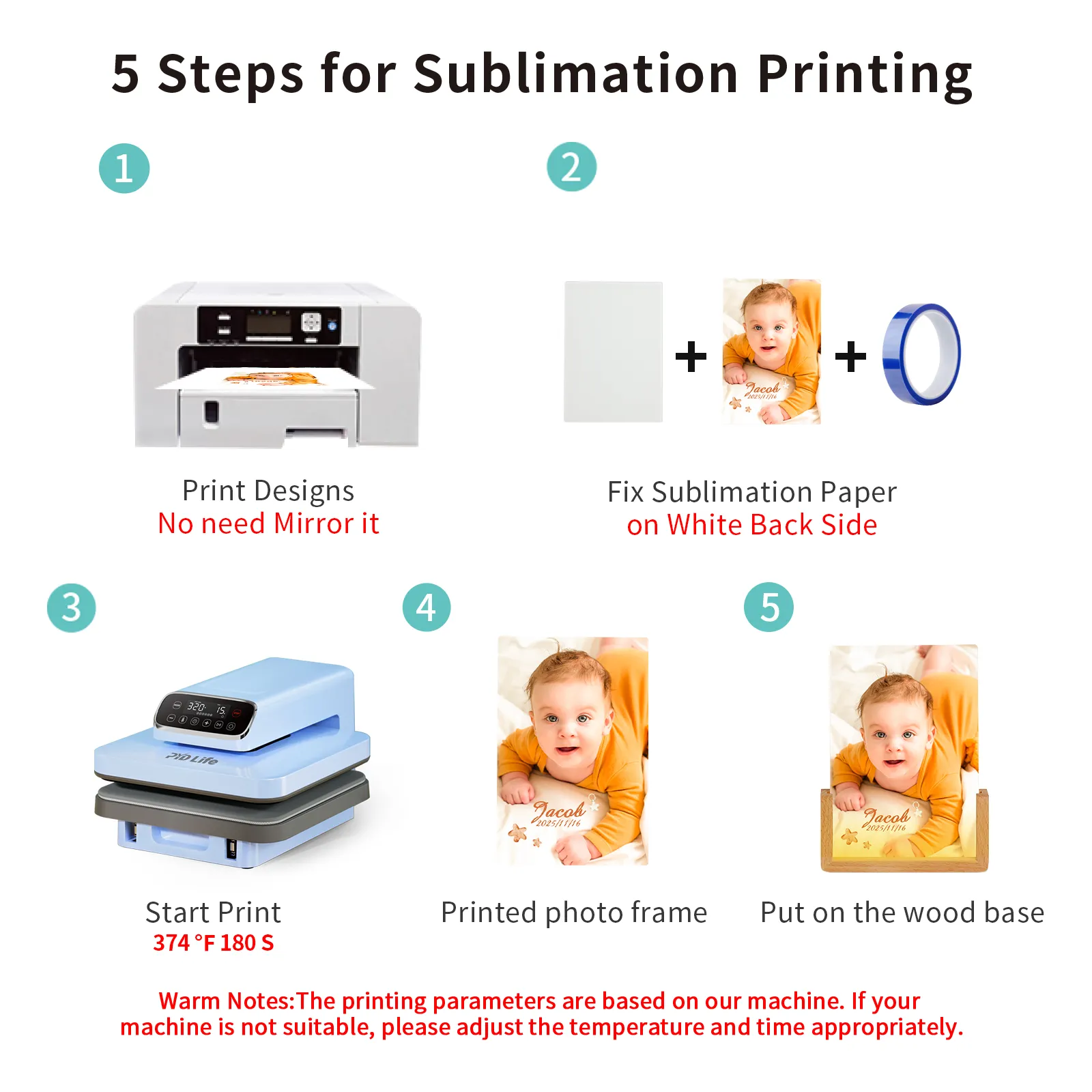
Best Practice
Allow the product to cool on a flat, stable surface before moving or packaging it.
This helps preserve image clarity and overall transfer quality.