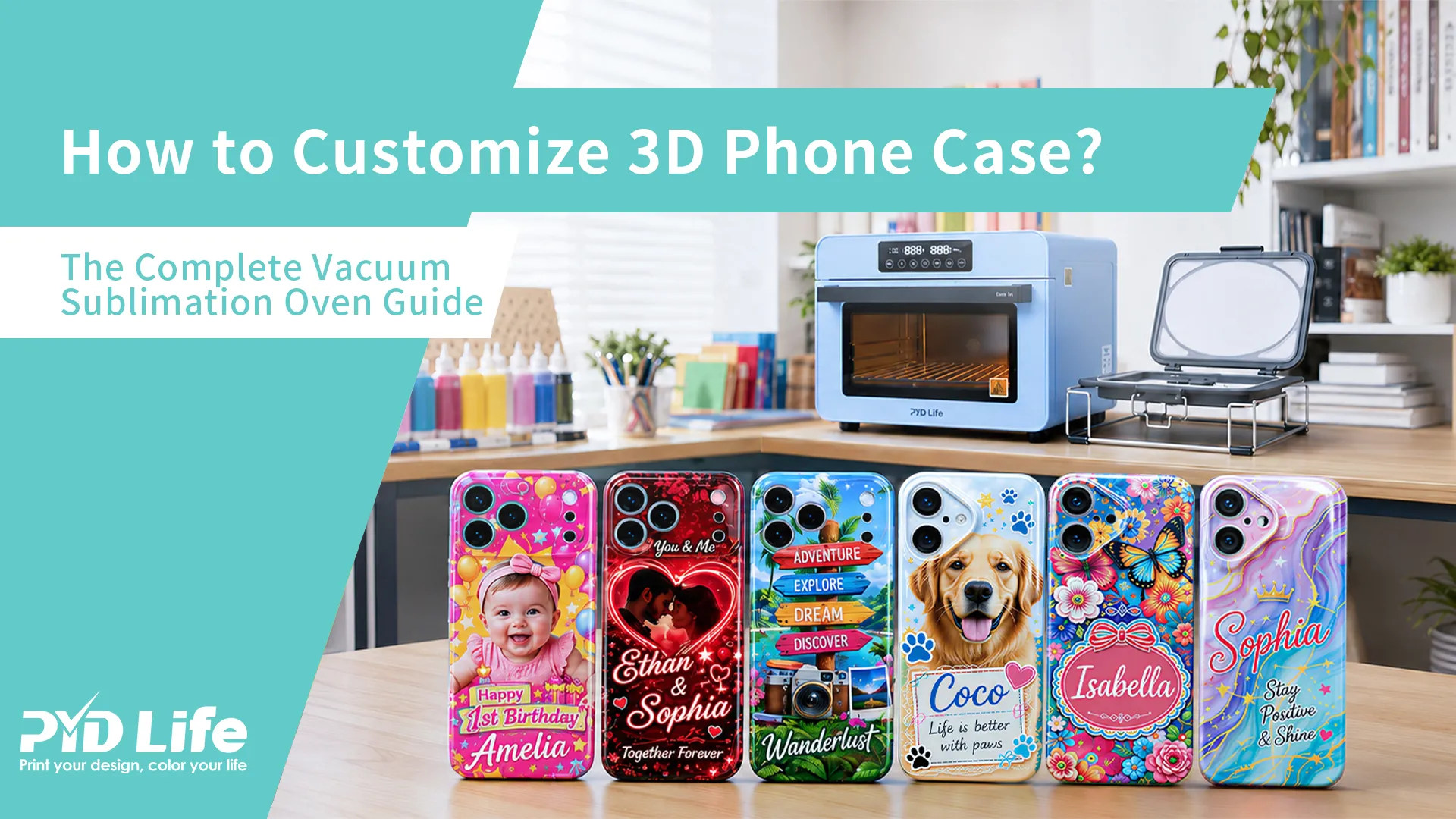
1.How to Customize 3D Phone Case? The Complete Vacuum Sublimation Oven Guide
1.1.Have you ever wondered:
- How do professionals print full-color designs on 3D phone cases?
- Why can't a regular heat press handle curved phone case surfaces?
- Do you need a vacuum sublimation oven?
- Should you preheat the vacuum tray and mold before printing?
- How can you prevent blurry edges and faded corners?
If you're looking to create personalized phone cases for gifts, Etsy shops, online stores, or your own custom printing business, mastering 3D sublimation is essential.
Unlike flat sublimation products, phone cases contain curves, corners, and raised edges that require even heat and pressure to achieve a flawless transfer.
In this guide, you'll learn exactly how to customize a 3D phone case using a vacuum sublimation oven and why preheating the tray and mold is one of the most important steps for professional results.
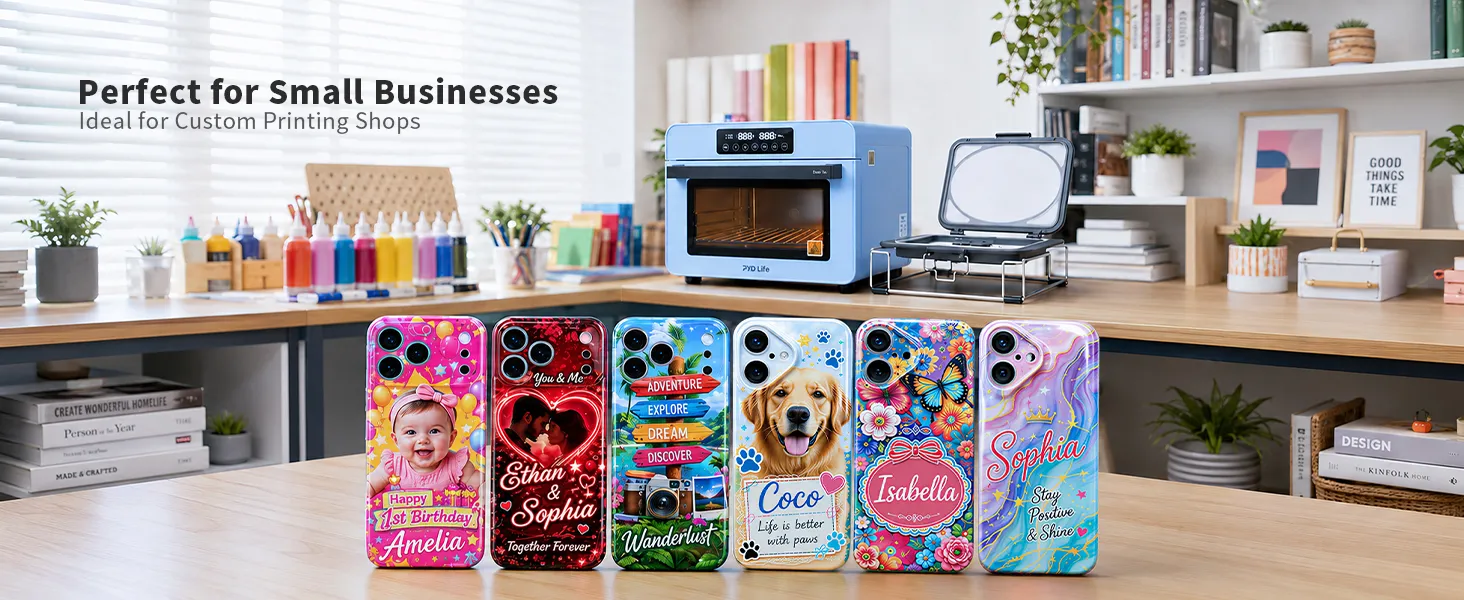
1.2.What Is a 3D Sublimation Phone Case?
A 3D sublimation phone case is a specially coated blank that allows sublimation ink to transfer onto both flat and curved surfaces.
Unlike traditional flat pressing methods, 3D sublimation can decorate:
✅ Back panels
✅ Rounded edges
✅ Corner areas
✅ Curved sidewalls
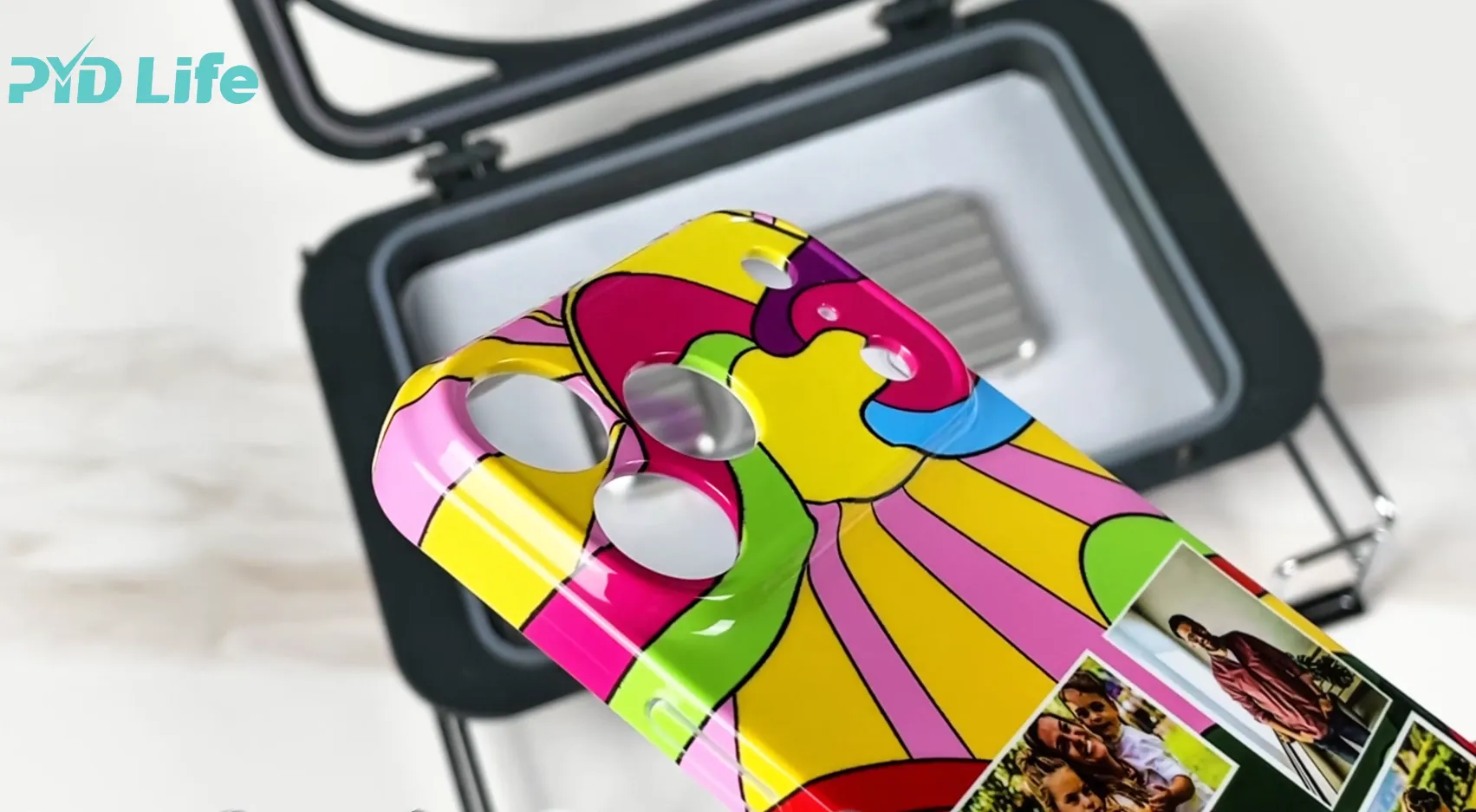
This creates a seamless, full-coverage design that looks professionally manufactured rather than handmade.
1.3.Why Can't a Regular Heat Press Print 3D Phone Case?
Many beginners ask:
"Can I use my flat heat press to print?"
Technically, a regular heat press machine is designed for 2D flat phone cases only.
It works well on flat, even surfaces, but it cannot fully wrap around the curved edges and corners of a 3D full print phone case.
The main limitation is shape coverage.
A flat heat press only applies heat and pressure to the surface directly beneath it.
That means it cannot properly transfer the design onto:
- Curved edges
- Rounded corners
- Sidewalls
- Full wraparound surfaces
That's why a regular heat press machine is suitable for 2D flat phone cases, but not for 3D full print phone cases.
1.4.What Supplies Do You Need?
Before starting your project, prepare the following:
Essential Equipment
3D sublimation phone case blank
Sublimation printer
Sublimation ink
Optional Tools
Alcohol wipes
Lint-free cloth
Design software such as Canva, Photoshop, or Illustrator
Preparing everything beforehand helps avoid mistakes during the heating process.
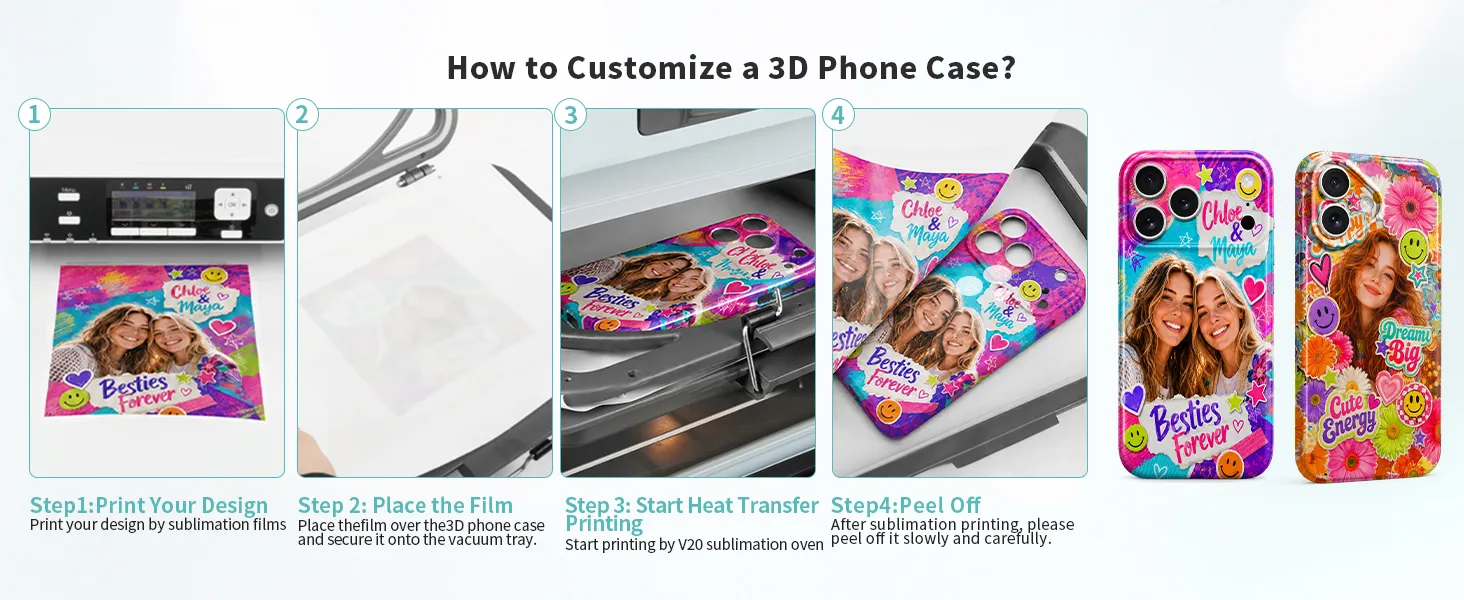
1.5.Step 1: Create and Print Your Design
Mirror the design before printing.
Mirror the Design
Phone case artwork should be mirrored for sublimation.
Size the Design Correctly
Make the artwork a little larger than the printable area. Keep important text and logos away from the edges.
Use Sublimation Ink
Use sublimation ink only. Regular ink will not transfer.
Use Sublimation Film
For 3D phone cases and other 3D curved blanks, sublimation film is highly recommended because it delivering vivid color and wrinkle-free results.
For best results, place the matte side facing the printer and add 3 labels on the edge to help proper loading.
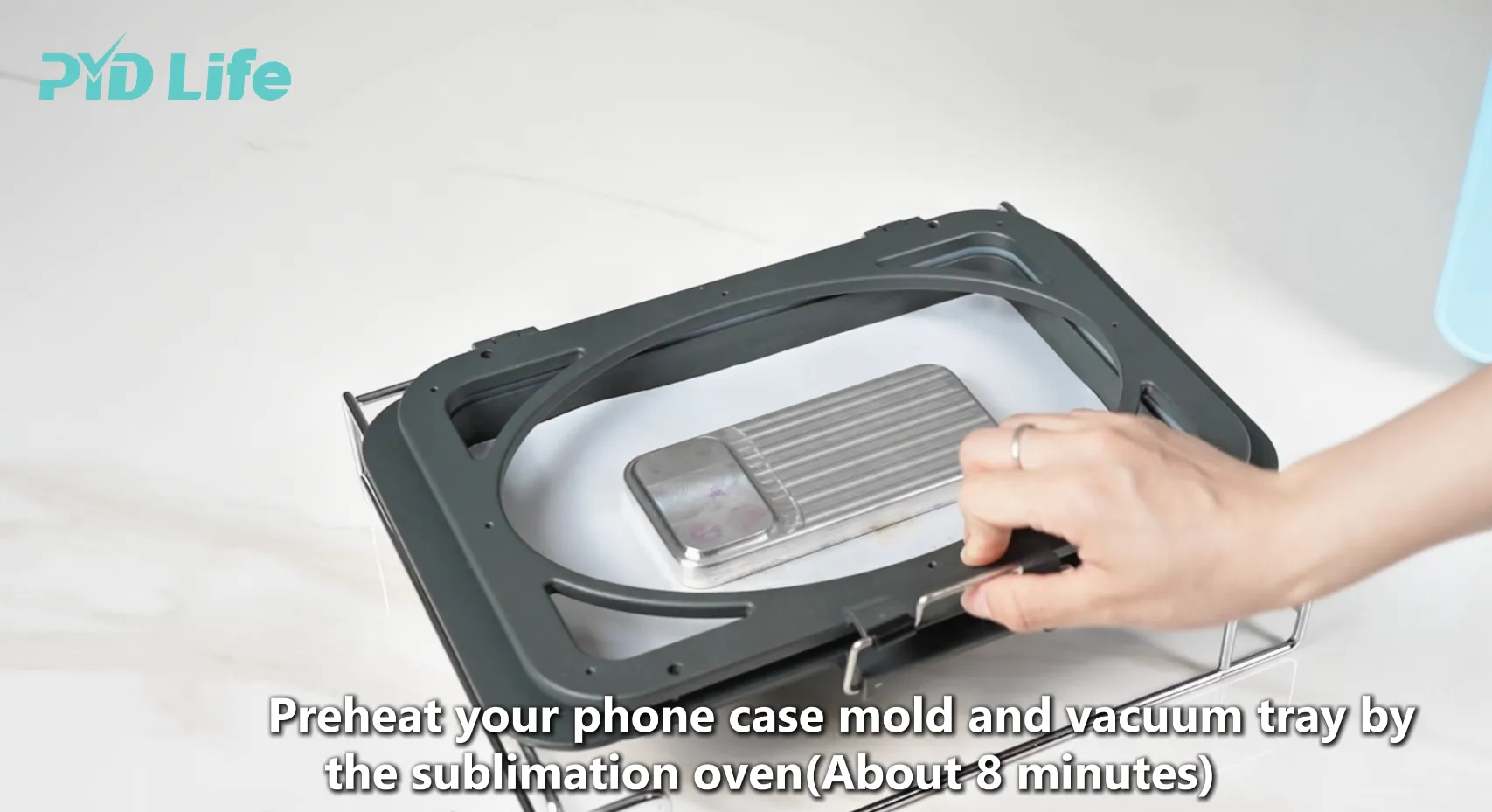
1.6.Step 2: Preheat the Vacuum Tray and Mold
Many beginners skip this step,
Before printing the phone case:
- Cover the vacuum tray base with the sealing cloth.
- Adjust the position of the mold bases according to the phone case mold you are using.
- Place the vacuum tray and mold inside the oven.
- Start the preheating.We suggested that use 302°F 8Mins
- At the same time, place the printed sublimation film on top of the oven to help dry the ink completely.
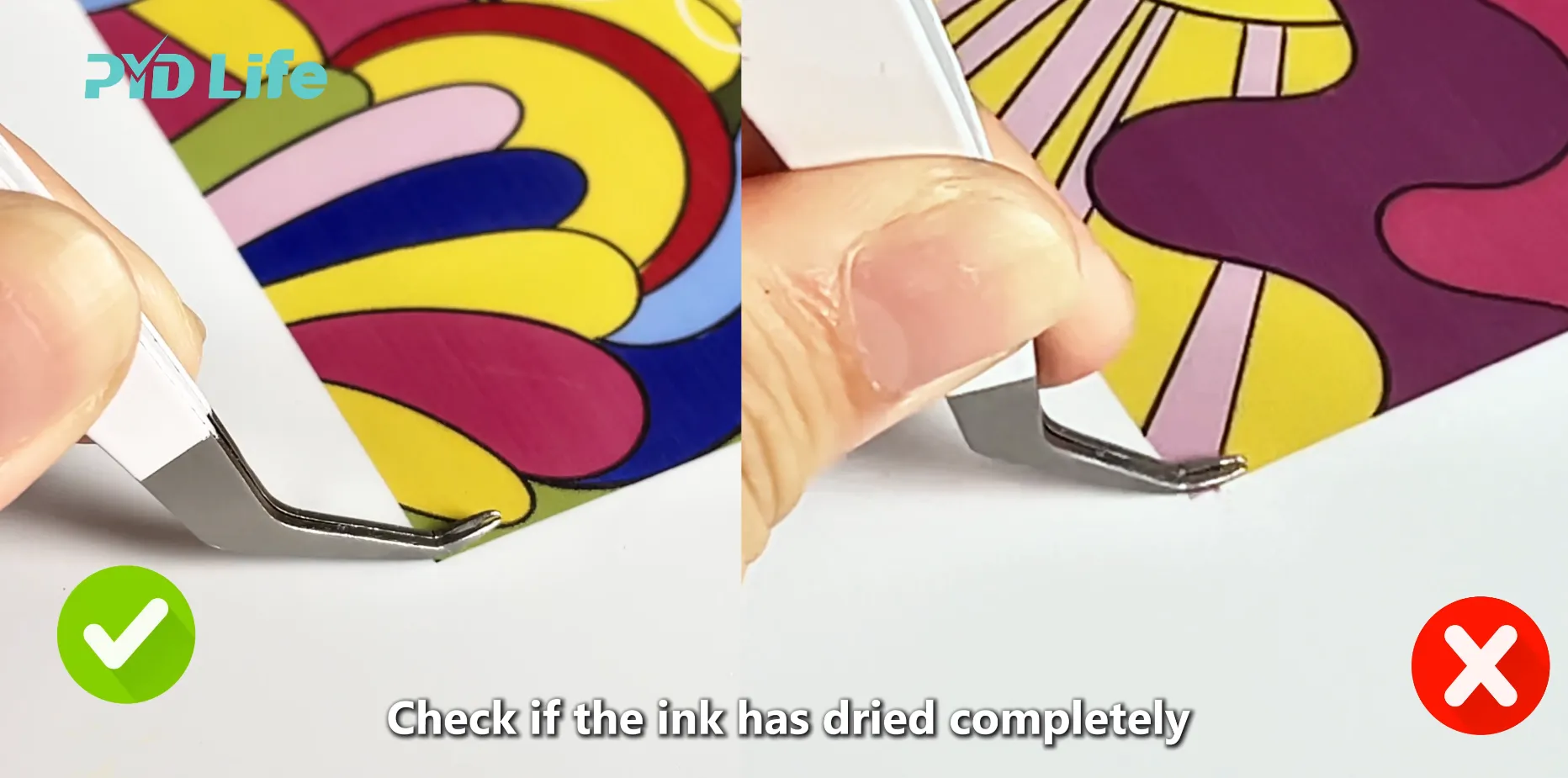
Why Should You Preheat?
Preheating helps the mold reach a stable temperature before transfer begins and vacuum seal tightly.
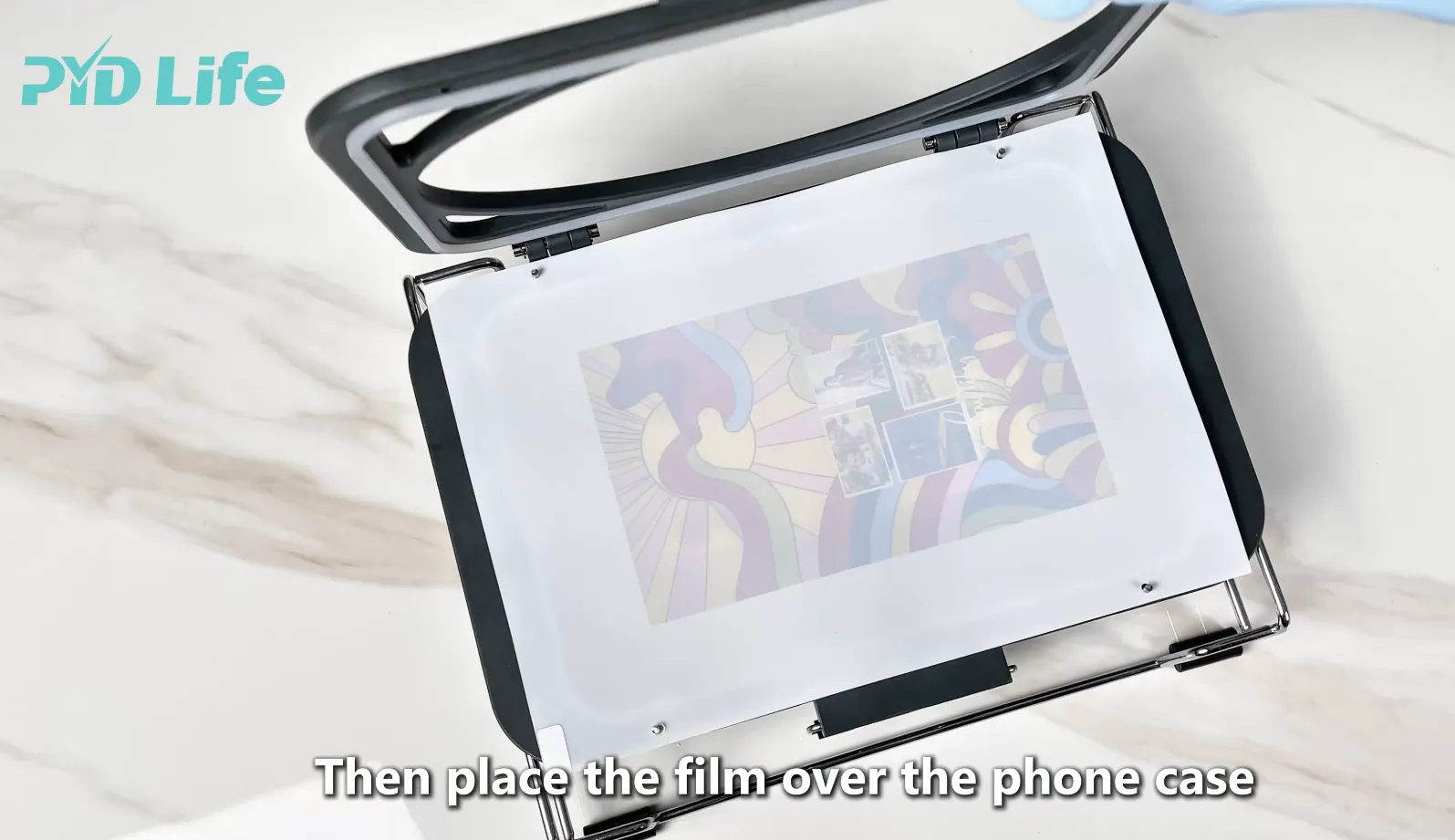
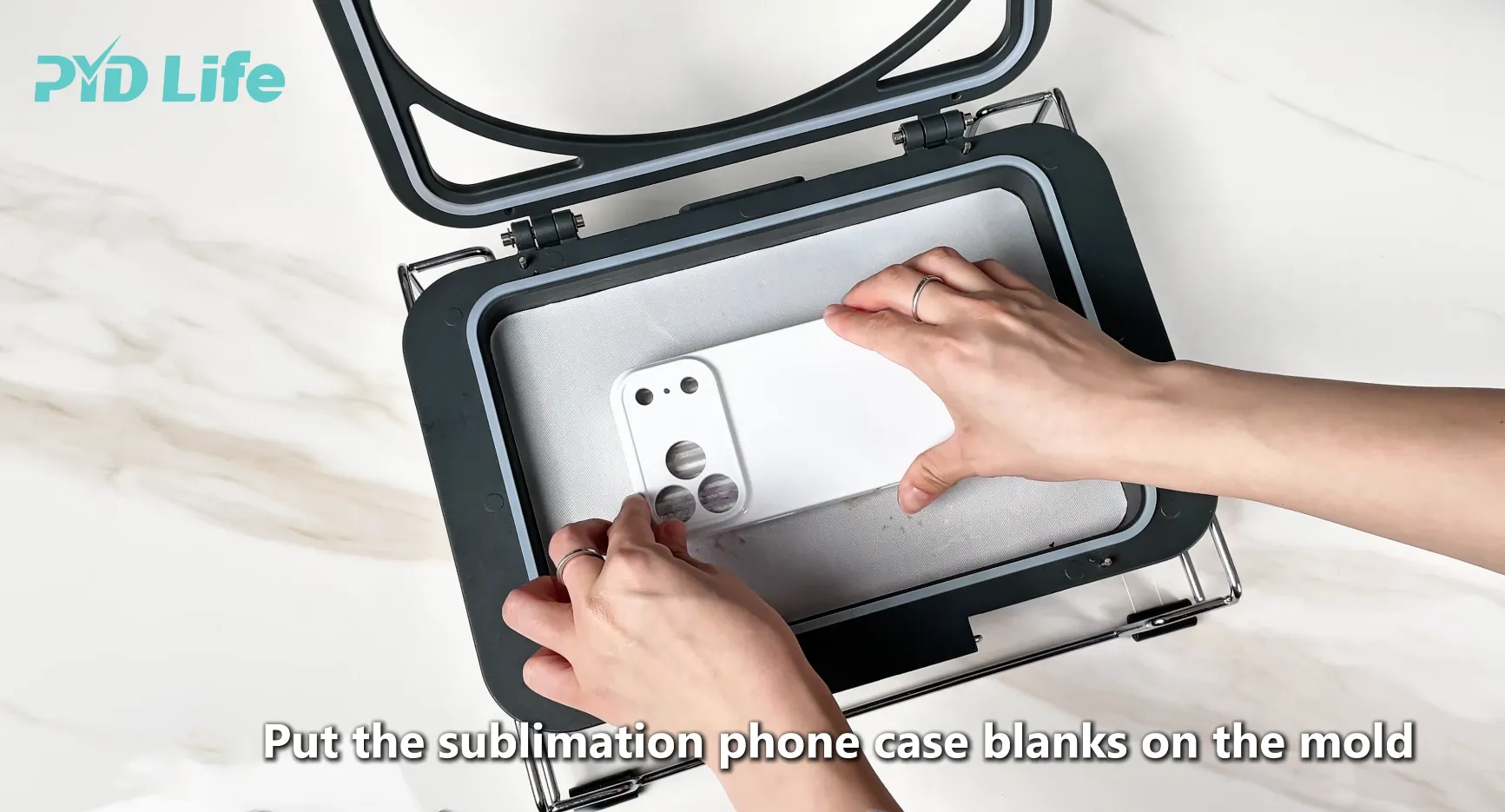
1.7.Step 3: Assemble the Phone Case and Transfer Film
After preheating:
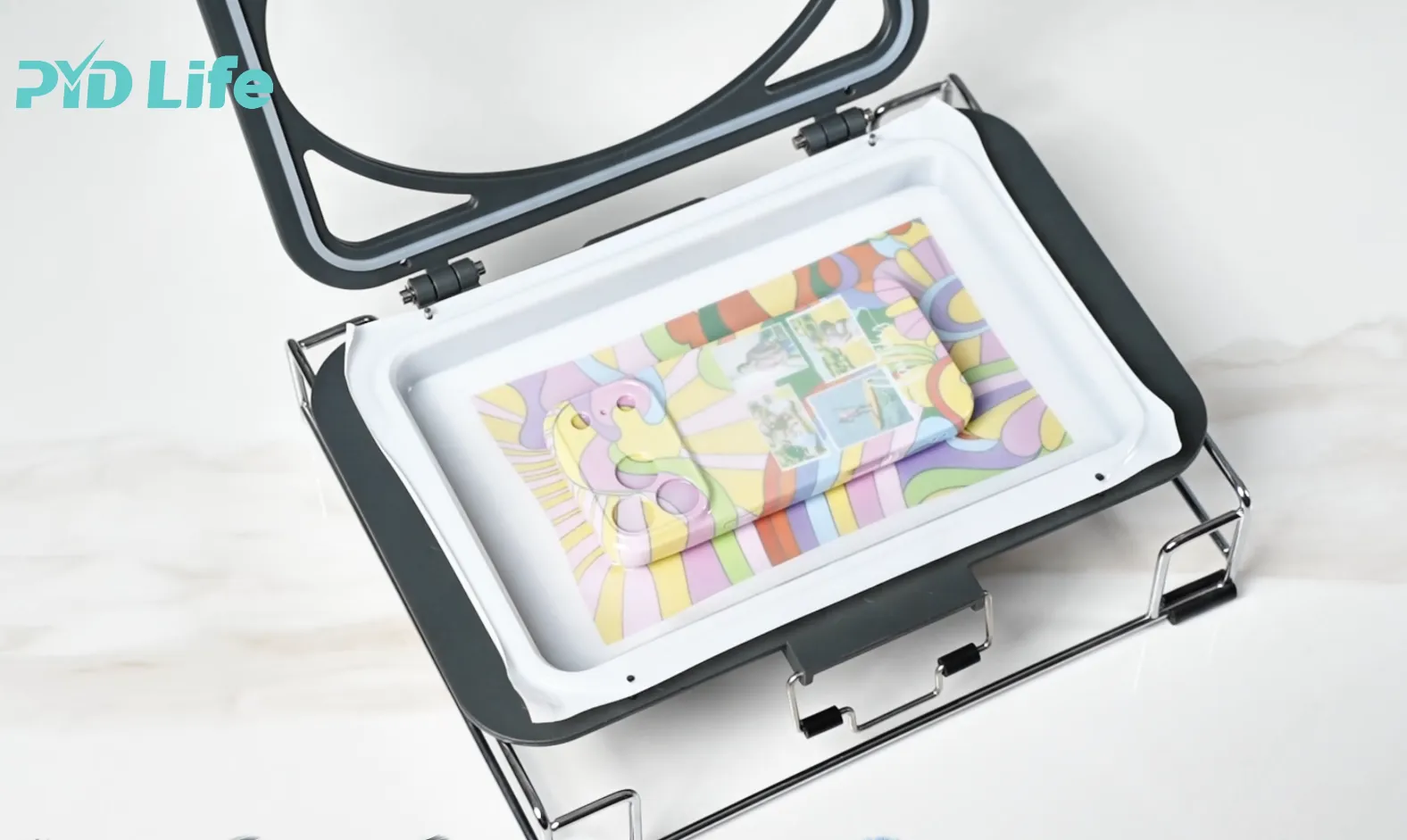
- Secure the blank phone case mold firmly in place.
- Position the phone case blank onto the mold base.
- Place the pre-punched sublimation film over the phone case.
- Fasten the vacuum tray
Important Note
Cover all remaining unused vacuum holes with sealing cloths.
and this proiect does not require siclione sheet
This helps:
✅ Maintain proper vacuum pressure
✅ Prevent the sublimation film from breaking
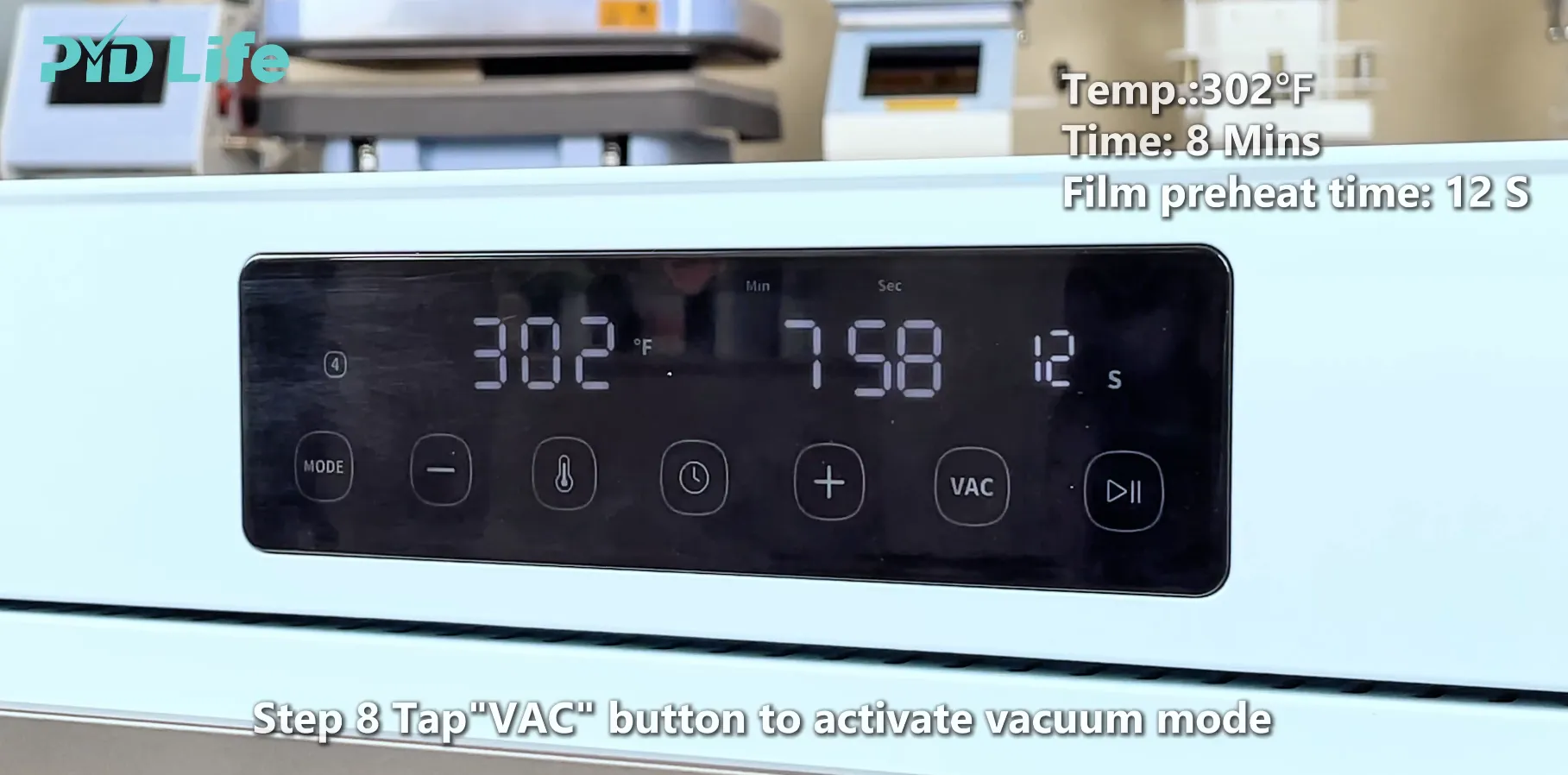
1.8.Step 4: Start the Vacuum Sublimation Process
Once everything is assembled:
- Place the vacuum tray into the oven.
- Tap the VAC button to activate vacuum mode. Film preheat time is 12S
- Confirm that the vacuum system is working properly.
- Click the Start button to begin the heating
For our vacuum sublimation oven to print phone case:
**Temperature: 356°F (180°C)
Time: 8 Minutes**
During the transfer process, the vacuum system pulls the sublimation film tightly around every curve and corner of the phone case.
This allows the image to transfer evenly across the entire surface.
Avoid opening the oven during operation.
1.9.Step 5: Remove and Finish the Phone Case
When the countdown reaches zero:
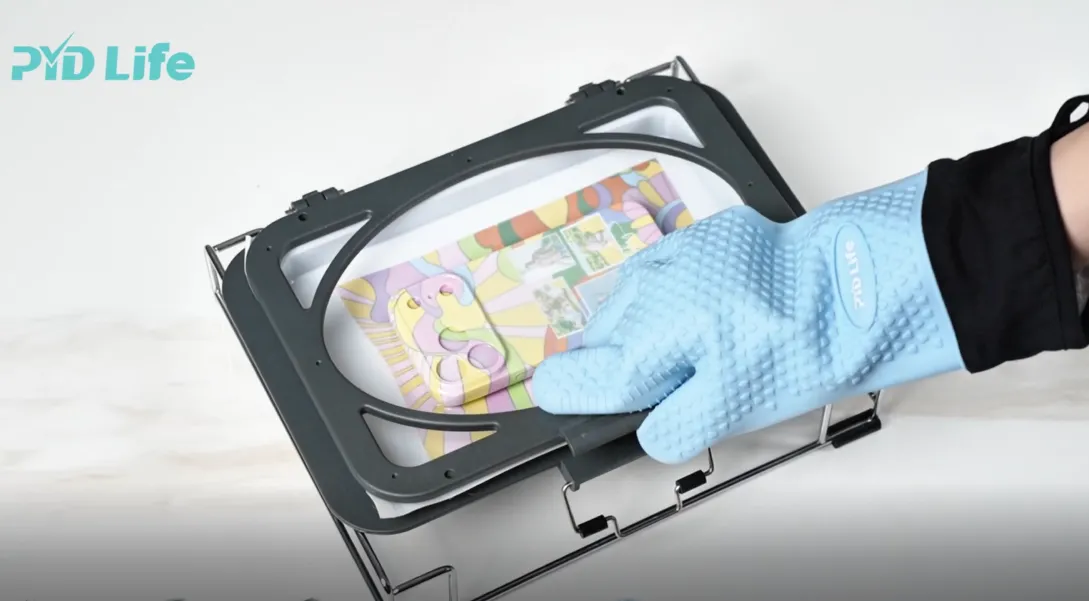
- Wear heat-resistant gloves.
- Carefully remove the vacuum tray from the oven.
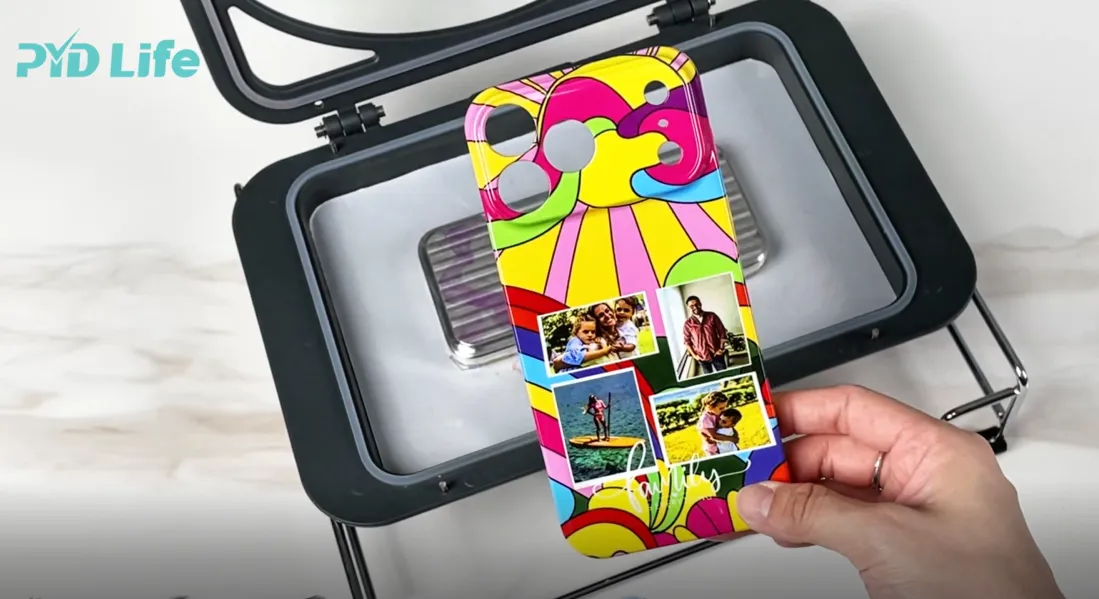
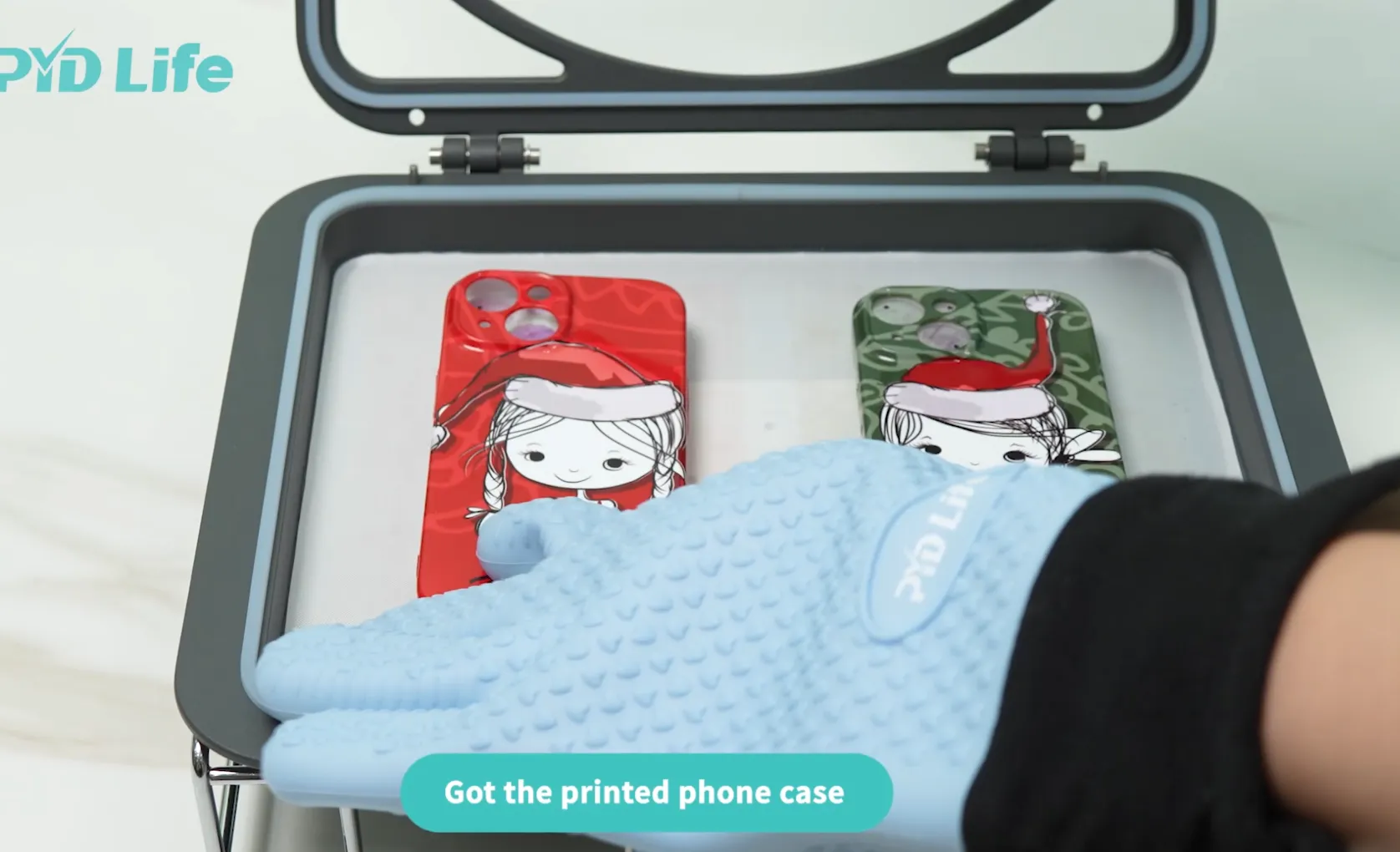
- Peel away the sublimation film.
- Allow the phone case to cool naturally.
Why Is Cooling Important?
Proper cooling helps prevent:
✅ Dye migration
✅ Surface marks
Once cooled, your customized 3D phone case is ready to use, gift, or sell.
2.Which Vacuum Tray Should You Choose?
Before purchasing a vacuum tray, many users ask:
- Should I choose an A4 tray or an A3 tray?
- How many phone cases can each tray print at once?
- Is my vacuum oven compatible with the tray?
- Do I need a vacuum pump?
Understanding the differences before purchasing can help you avoid compatibility issues later.
A4 Vacuum Tray
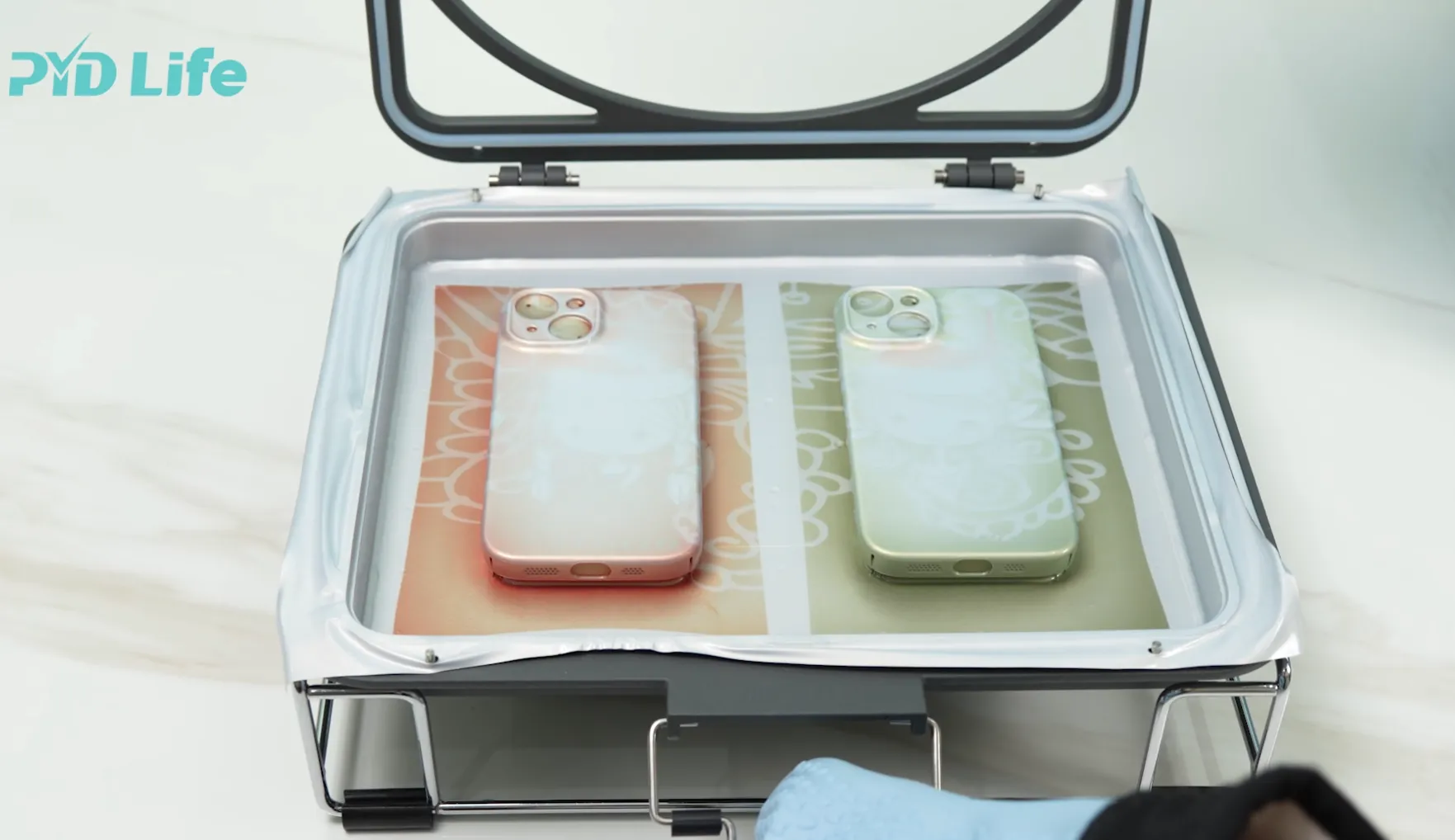
The A4 vacuum tray is designed for single-phone-case production.
Benefits include:
✅ Compact size
✅ Easy setup
✅ Ideal for beginners
✅ Suitable for printing 1 phone case at a time
If you're creating personalized gifts, testing designs, or running a small custom business, an A4 tray is often the most economical choice.
A3 Vacuum Tray
The A3 vacuum tray offers a larger working area and higher production efficiency.
Benefits include:
✅ Larger printing area
✅ Higher productivity
✅ Suitable for printing 2 phone cases simultaneously
✅ Great for batch production
For businesses handling larger order volumes, the A3 tray can significantly improve workflow efficiency.
3.Is Your Vacuum Oven Compatible?
Before buying a vacuum tray, check your oven model first.
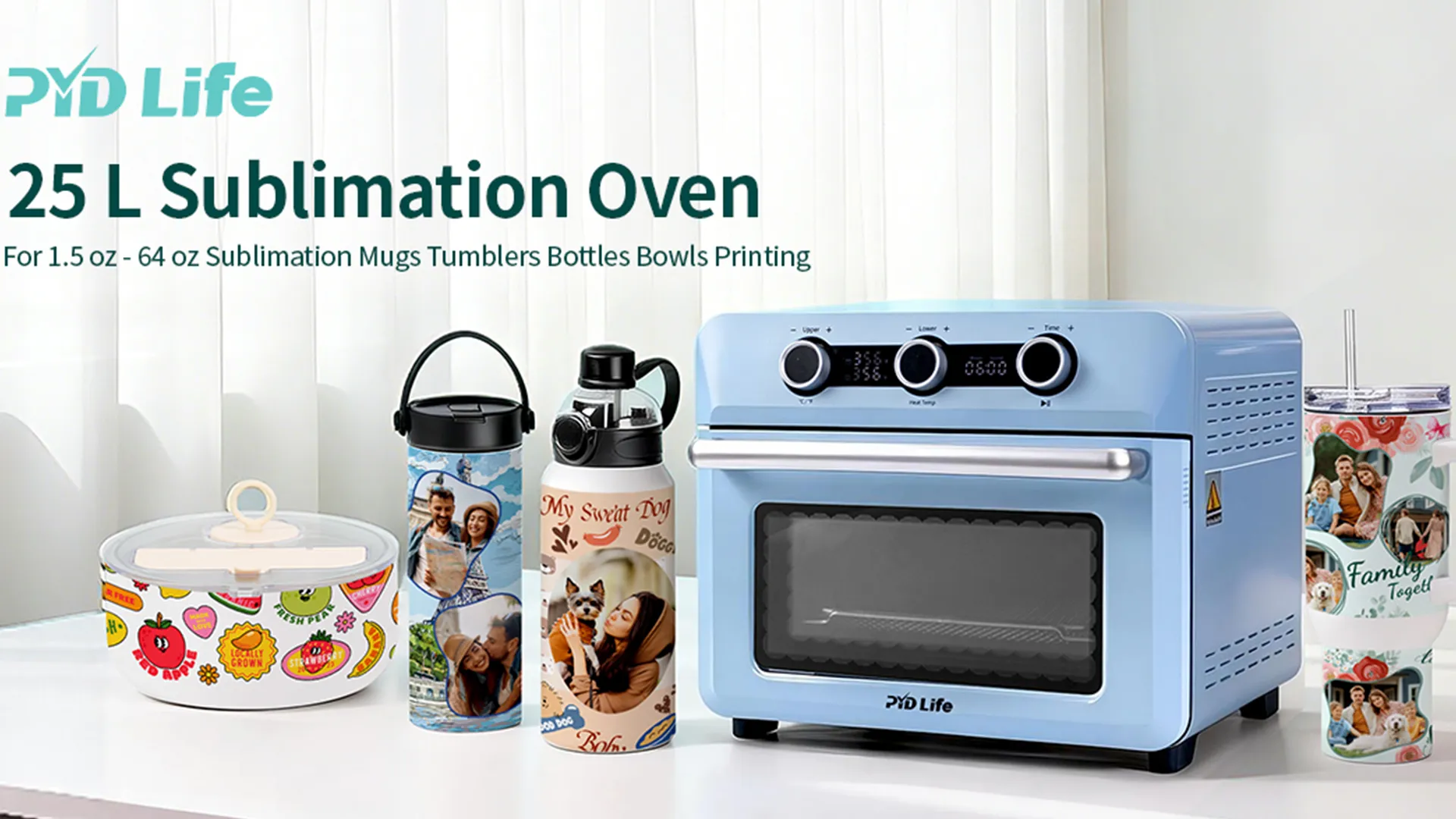
- 20L Vacuum Oven: works with a built-in vacuum system.
- 25L Vacuum Oven: requires an external vacuum pump.
Vacuum pump:
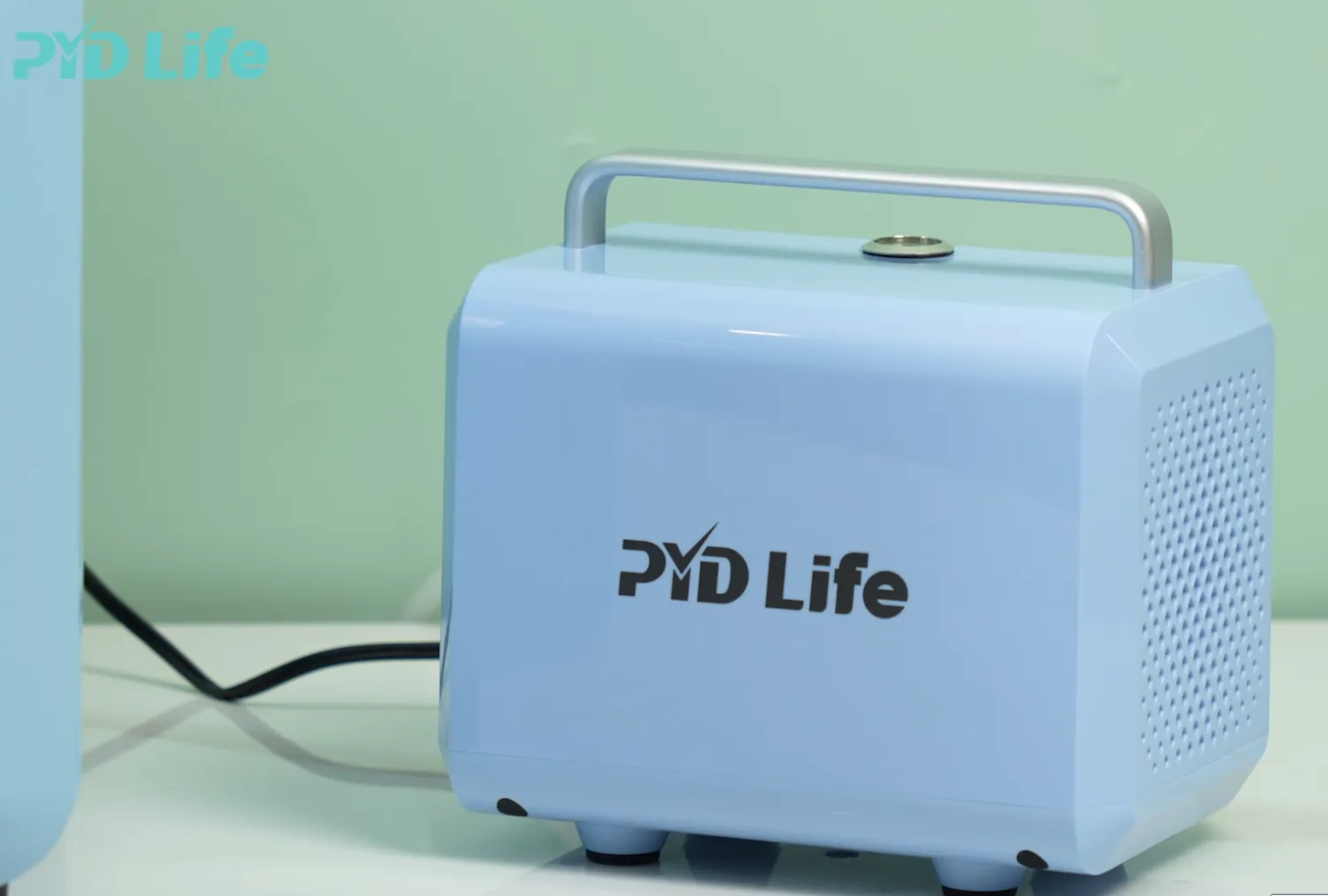
The 25L vacuum oven cannot work properly without a vacuum pump, while the 20L vacuum oven has a built-in vacuum system and does not require an external pump.
Before Purchasing
Please confirm:
- Your oven model:20L Oven or 25L Oven
- Whether a vacuum pump is needed
- Whether a vacuum pump is already included
Choosing the right tray and oven setup helps ensure stable vacuum pressure and better transfer results.
3.1.Why Does My Phone Case Look Faded?
If colors appear dull, ask yourself:
Was the Temperature Too Low?
Insufficient heat can prevent full dye transfer.
Was the Heating Time Too Short?
Short cycles often create weak colors.
Was the Mold Properly Preheated?
Cold molds are a common cause of uneven image transfer.
Was the Vacuum Pressure Strong Enough?
Poor contact between sublimation film and surface can reduce color intensity.
3.2.Can You Start a Business Selling Customized Phone Cases?
Absolutely.
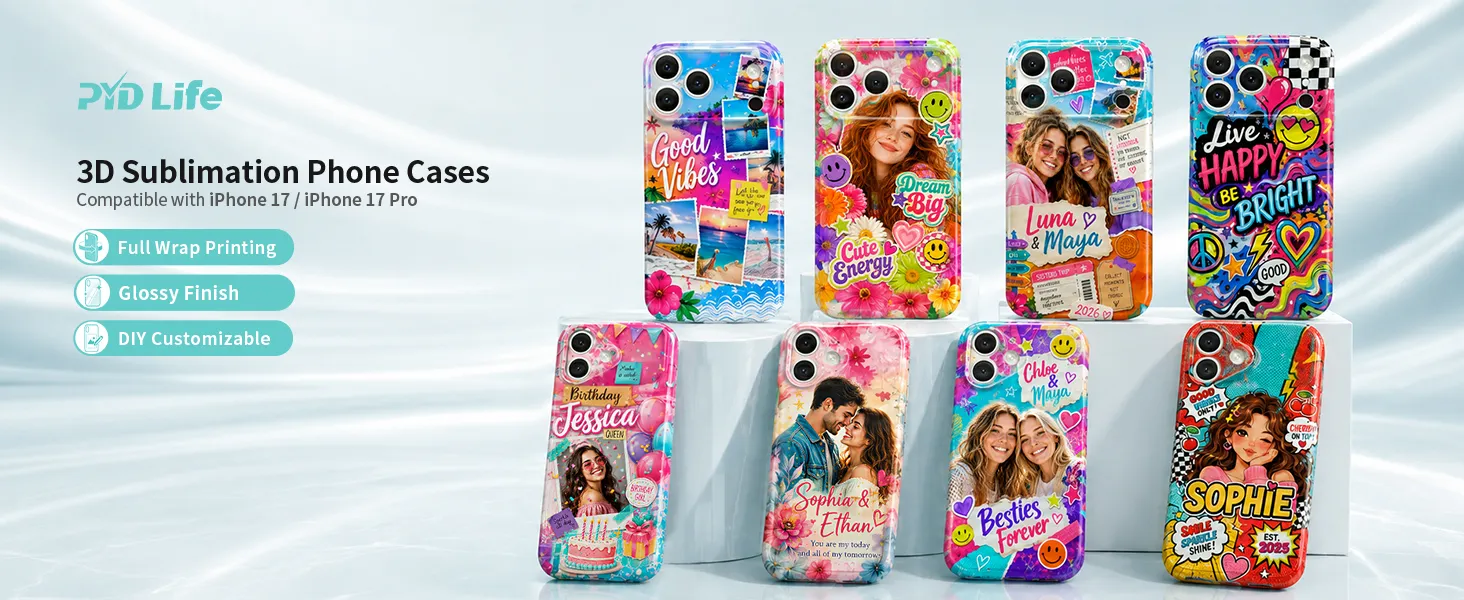
Personalized phone cases remain one of the most popular custom products because customers love:
✅️ Family photos
✅️ Pet portraits
✅️ Sports designs
✅️ Business branding
✅️ Graduation gifts
✅️ Holiday gifts
✅️ Wedding favors
With vacuum sublimation oven, you could create professional-quality products that compete with commercial manufacturers.
3.3.FAQ
Do I need a vacuum oven for 3D phone cases?
Yes. A vacuum sublimation oven provides the heat and pressure needed to decorate curved surfaces evenly.
Should I preheat the mold before sublimation?
Absolutely. Preheating the mold helps improve heat consistency, color vibrancy, and edge transfer quality.
What temperature should I use for sublimation phone cases?
For our phone case blanks, we recommend 356°F (180°C) for approximately 8 minutes.
Why are my corners fading?
The most common causes are cold molds, weak vacuum pressure, or insufficient heating time.
Can beginners make professional-quality phone cases?
Yes. With proper preparation, correct settings, and a preheated vacuum system, beginners can achieve excellent results.