Inquiry

Sublimation Setting Guide

Find the right settings for your sublimation blanks.

How to Customize it by 3D Sublimation Oven Kit?

1
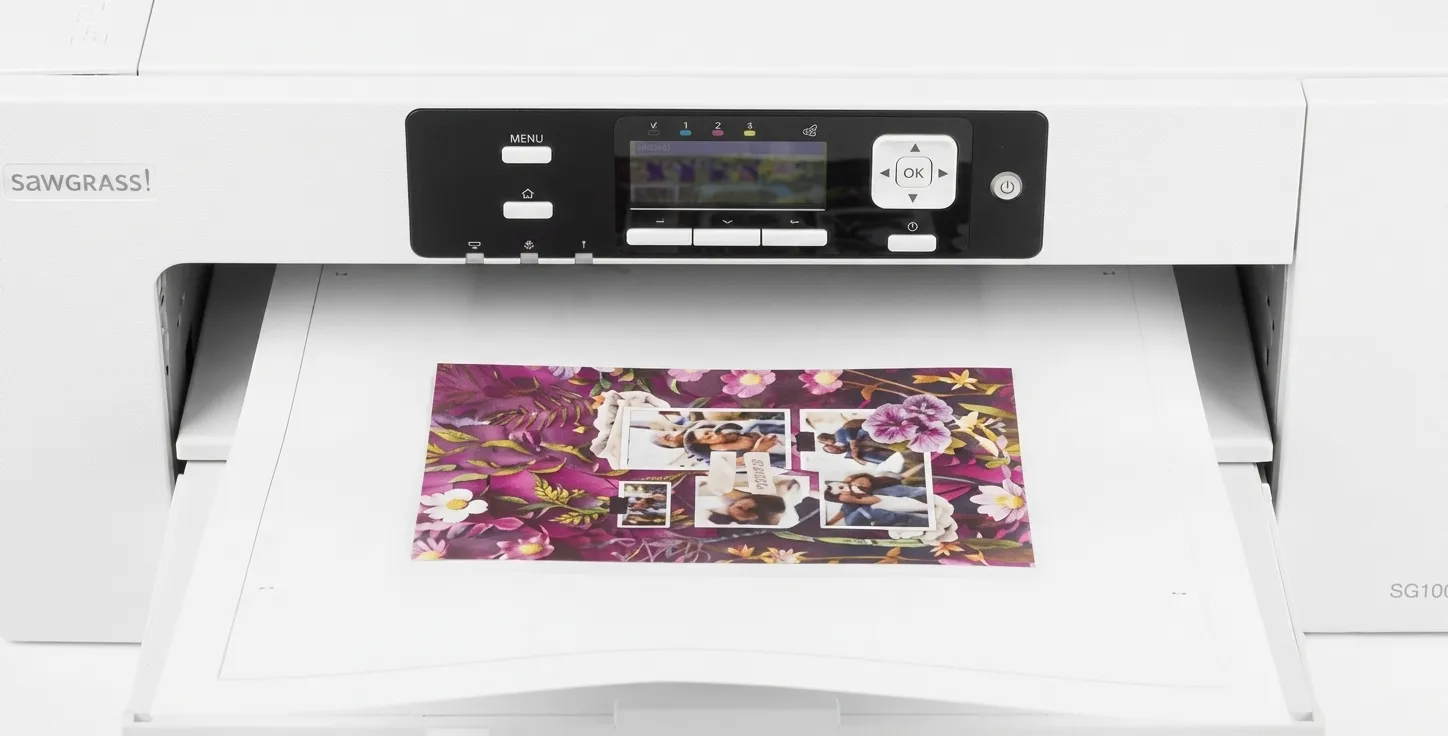
How to Customize it by 3D Sublimation Oven Kit? Step 1: Print Your Design. Print your design using sublimation film.
Step 1: Print Your Design

Print your design using sublimation film.

2
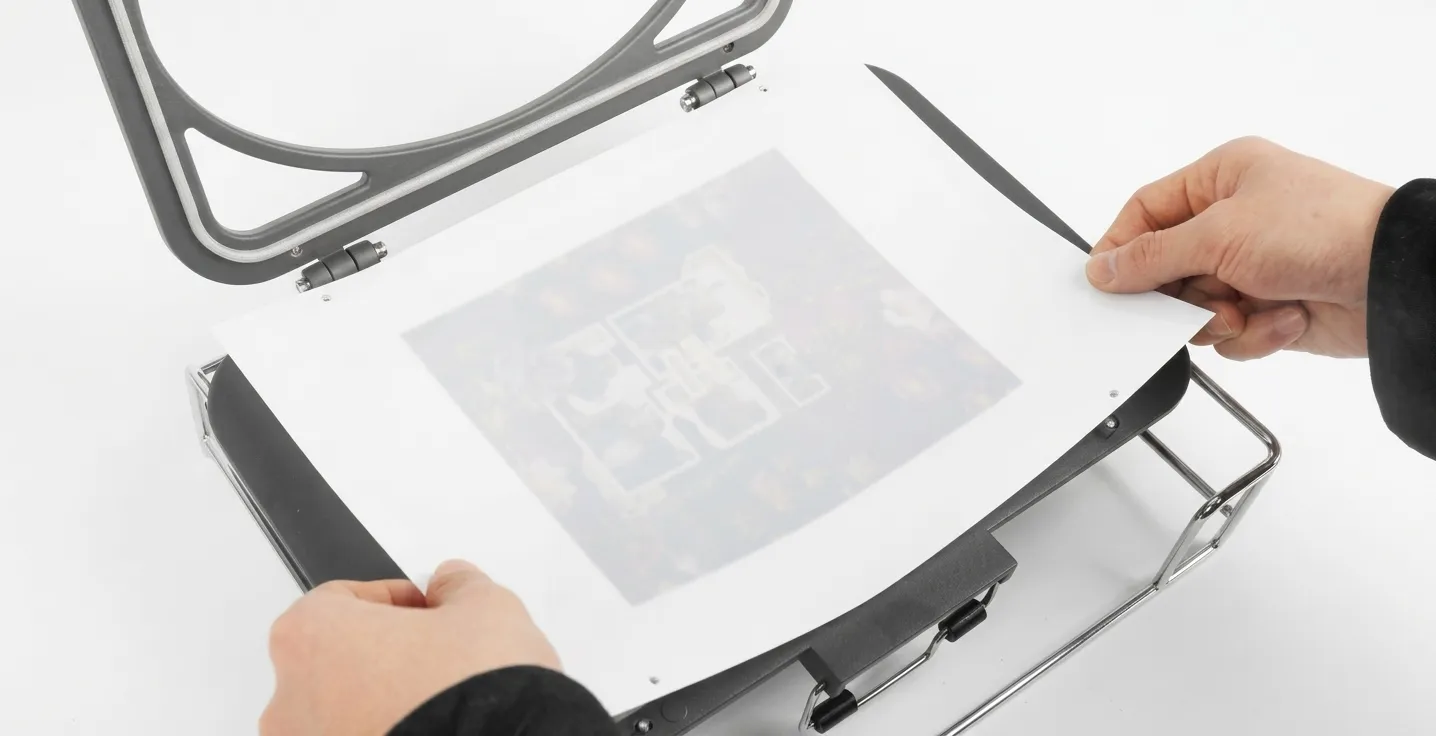
How to Customize it by 3D Sublimation Oven Kit? Step 2: Place the Film. Place the sublimation film over the product.
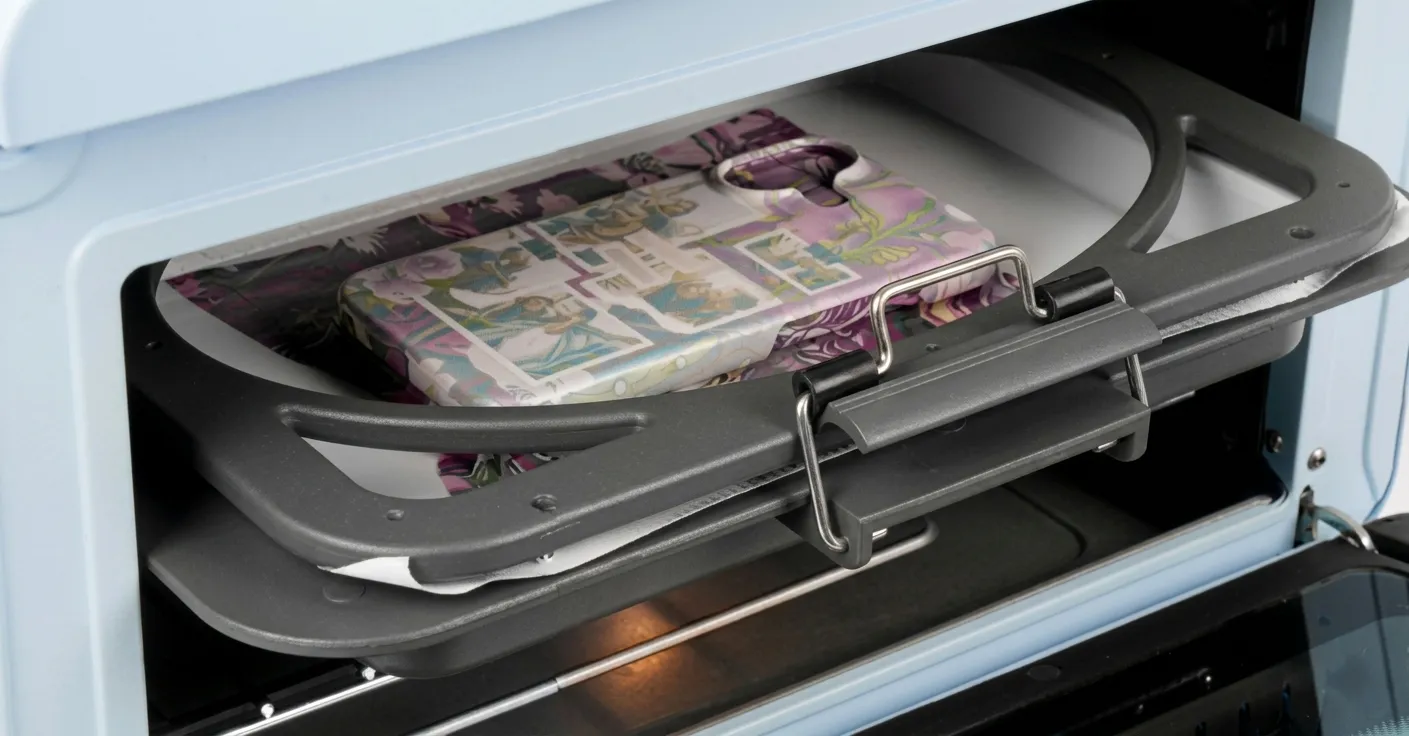
Step 2: Place the Film

Place the sublimation film over the product.

3
How to Customize it by 3D Sublimation Oven Kit? Step 3: Start Heat Transfer Printing. Start heat transfer printing using a sublimation oven.
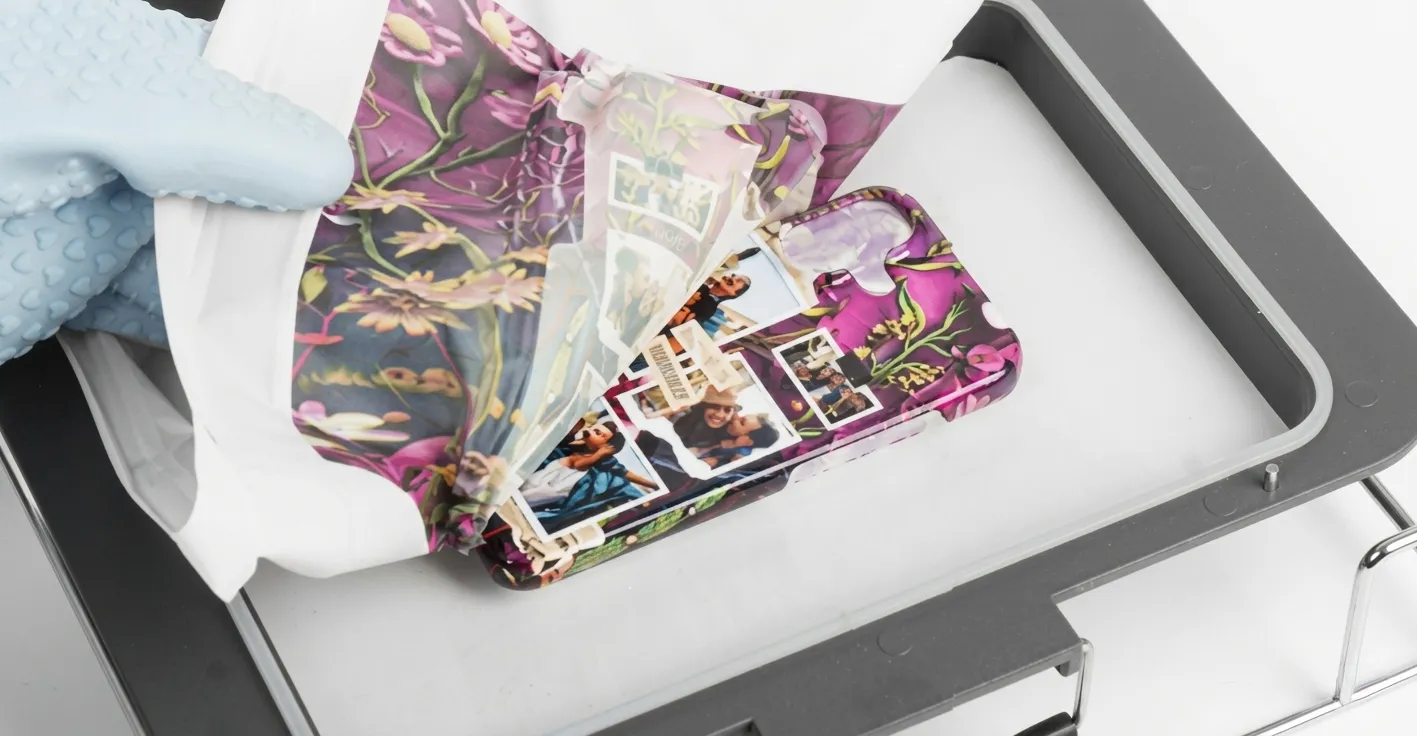
Step 3: Start Heat Transfer Printing

Start heat transfer printing using a sublimation oven.

4
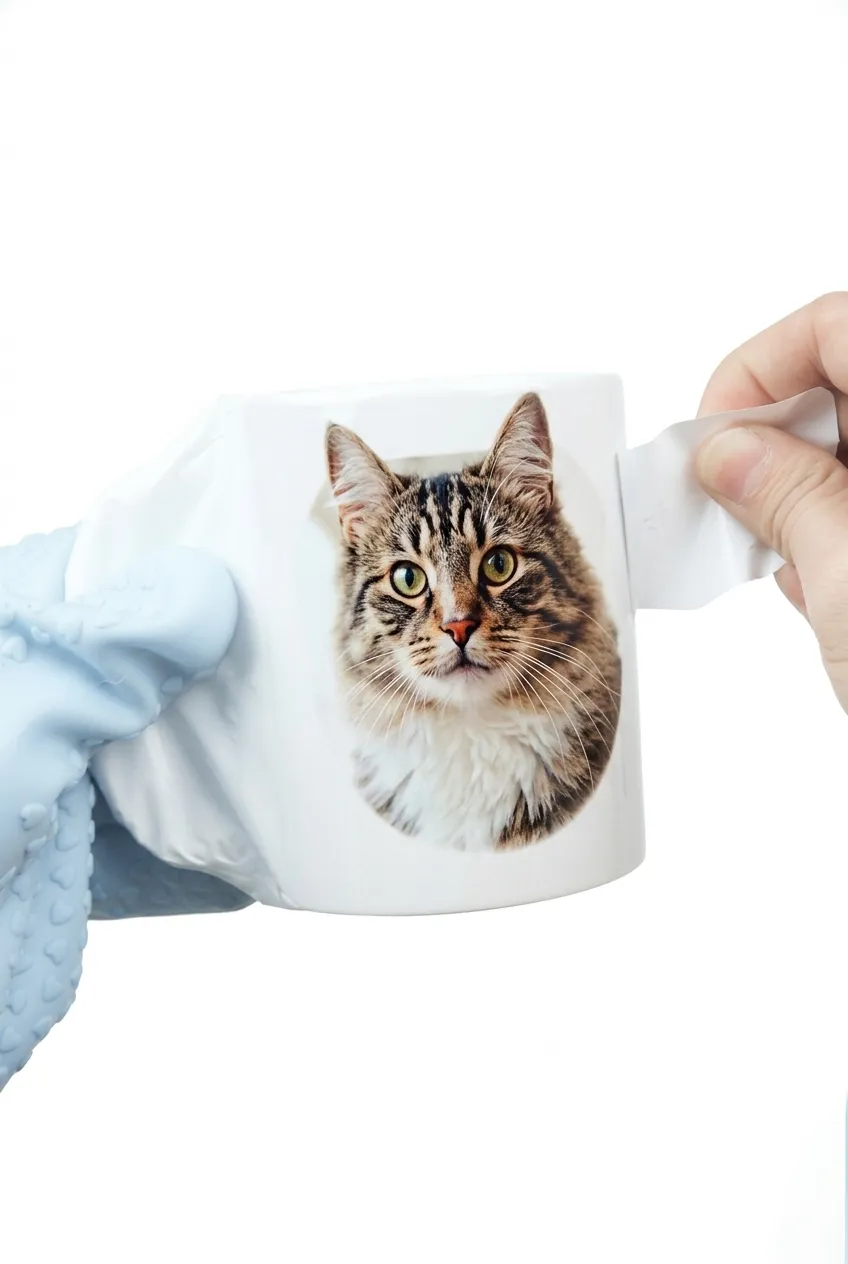
How to Customize it by 3D Sublimation Oven Kit? Step 4: Peel Off. Peel off the sublimation film carefully.
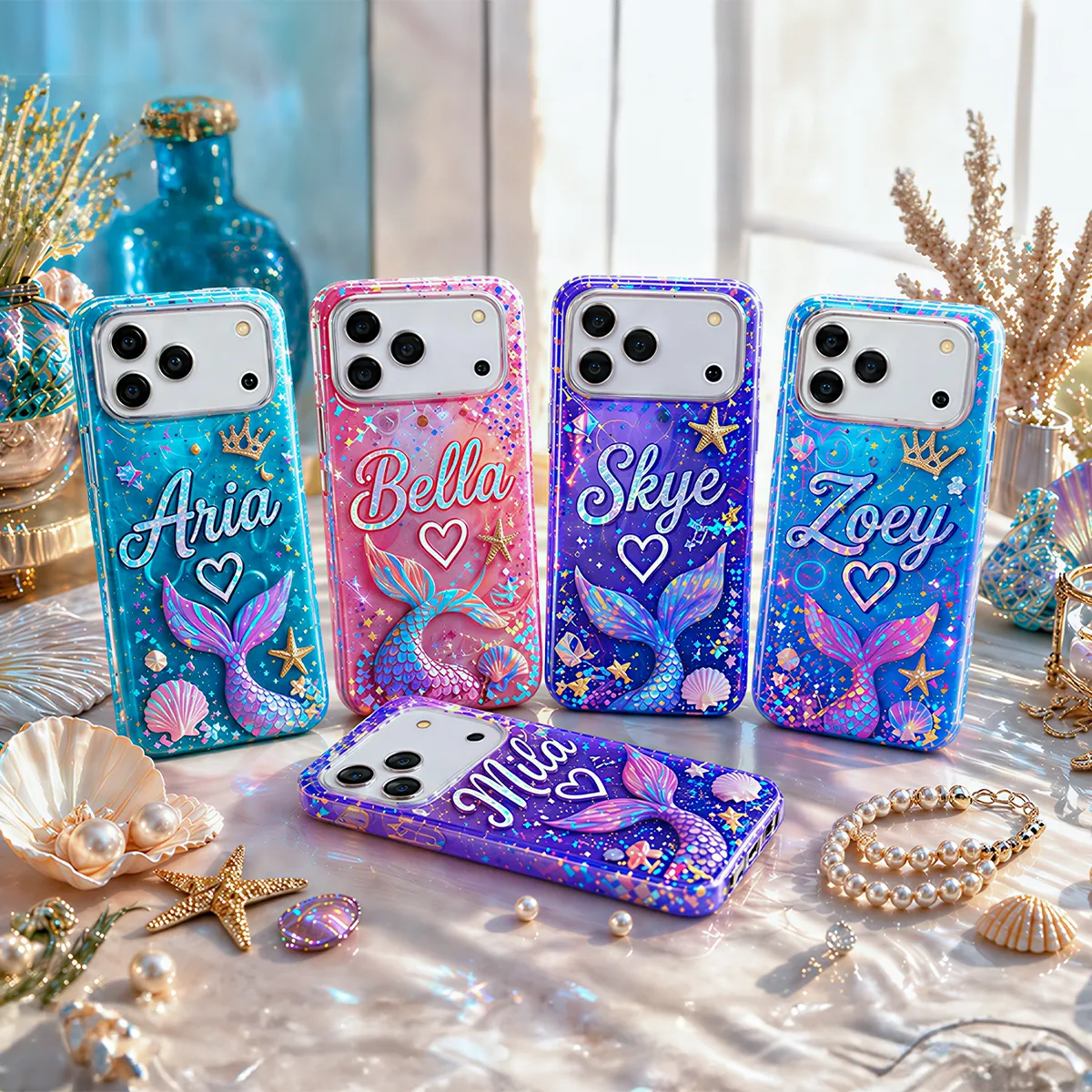
Step 4: Peel Off

Peel off the sublimation film carefully.

How to Customize it by Tumbler Heat Press?

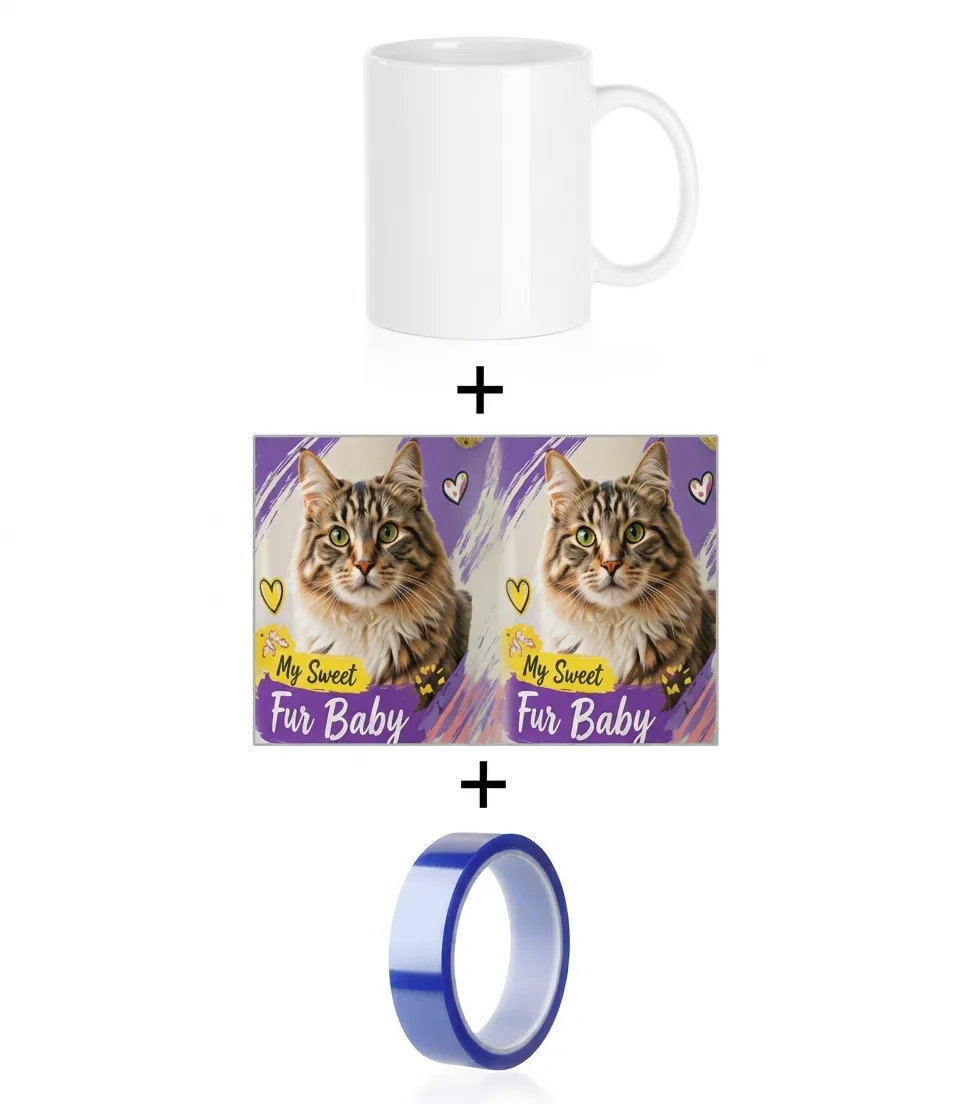
How to Customize it by Tumbler Heat Press? Step 1: Print Designs

1. Print Designs

How to Customize it by Tumbler Heat Press? Step 2: Fix Designs on the Mug

2. Fix Designs on the Mug

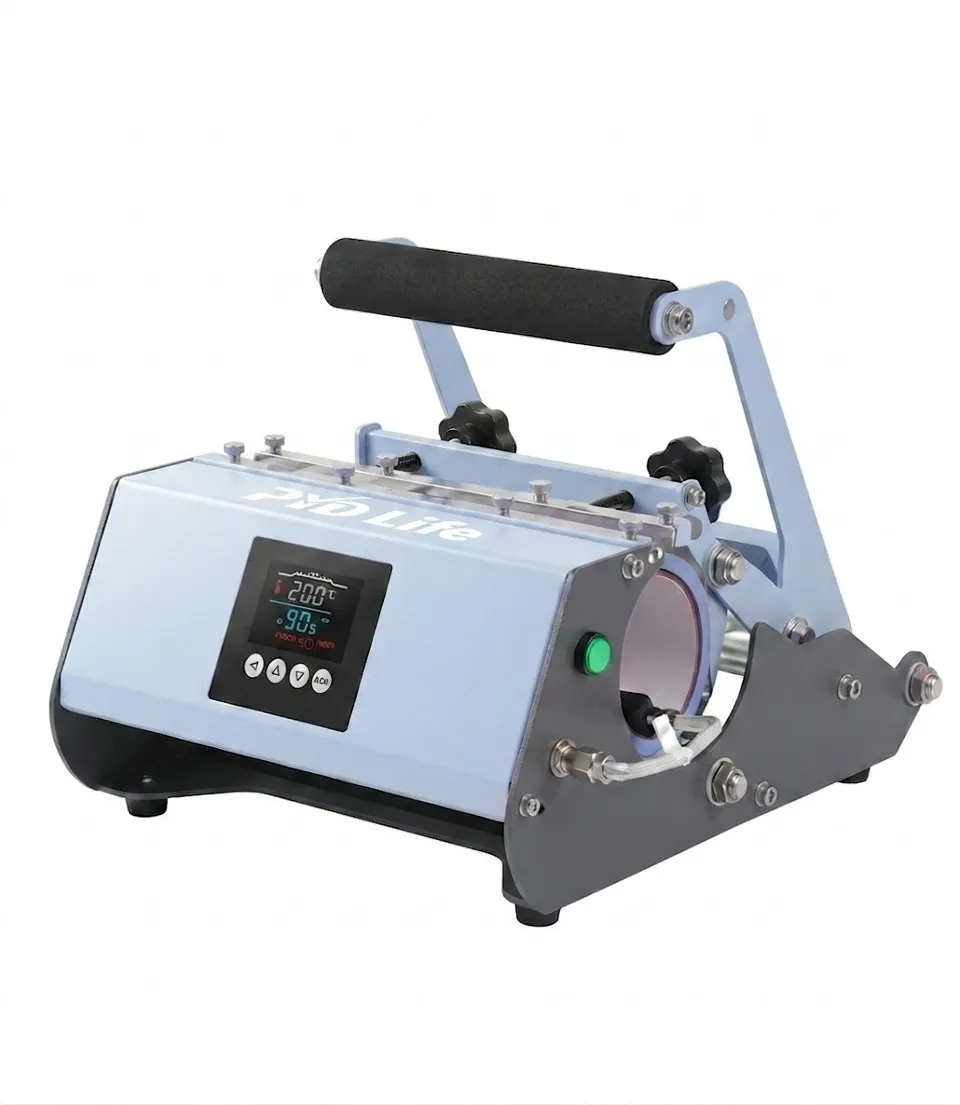
How to Customize it by Tumbler Heat Press? Step 3: Start Printing

3. Start Printing

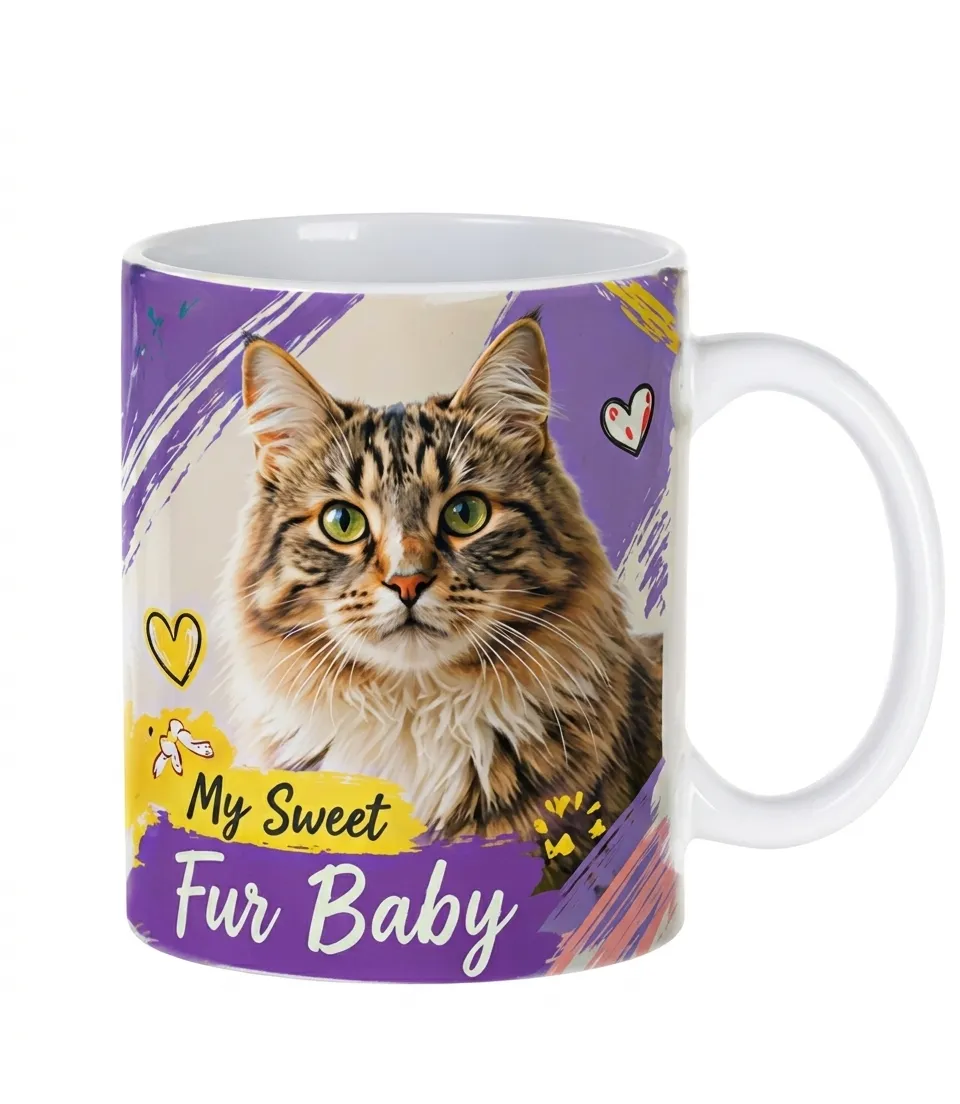
How to Customize it by Tumbler Heat Press? Step 4: Got it

4. Got it

Tumbler Heat Press Printing Parameters

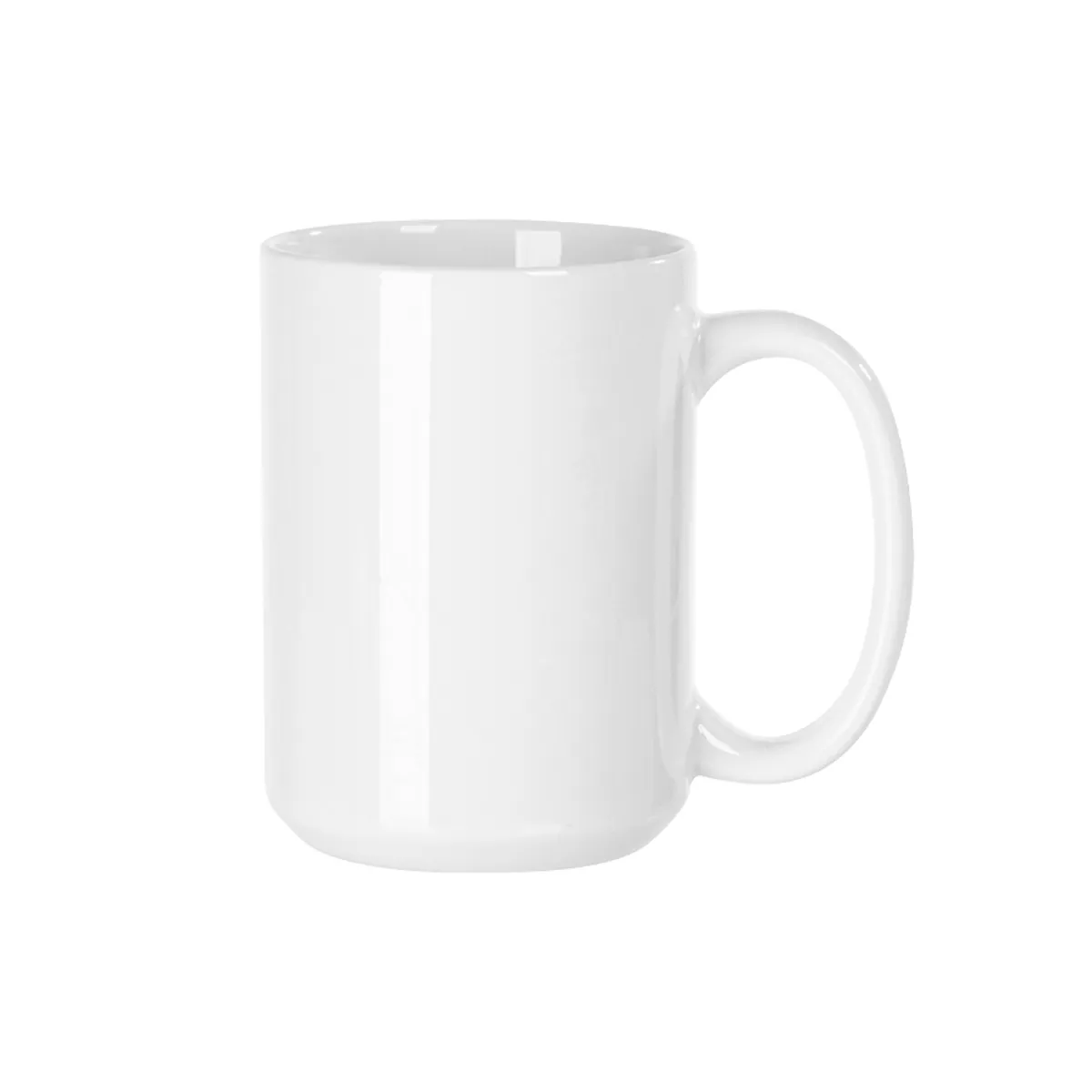
Tumbler Heat Press Printing Parameters: Ceramic - 356°F, 280 Seconds

Ceramic

356°F, 280 Seconds

Please printing 2 pieces together For long-term printing, please use 11oz heater.
Tumbler Heat Press Printing Parameters: Ceramic - 356°F, 280 Seconds

Ceramic

356°F, 280 Seconds

Please printing 2 pieces together For long-term printing, please use 11oz heater.
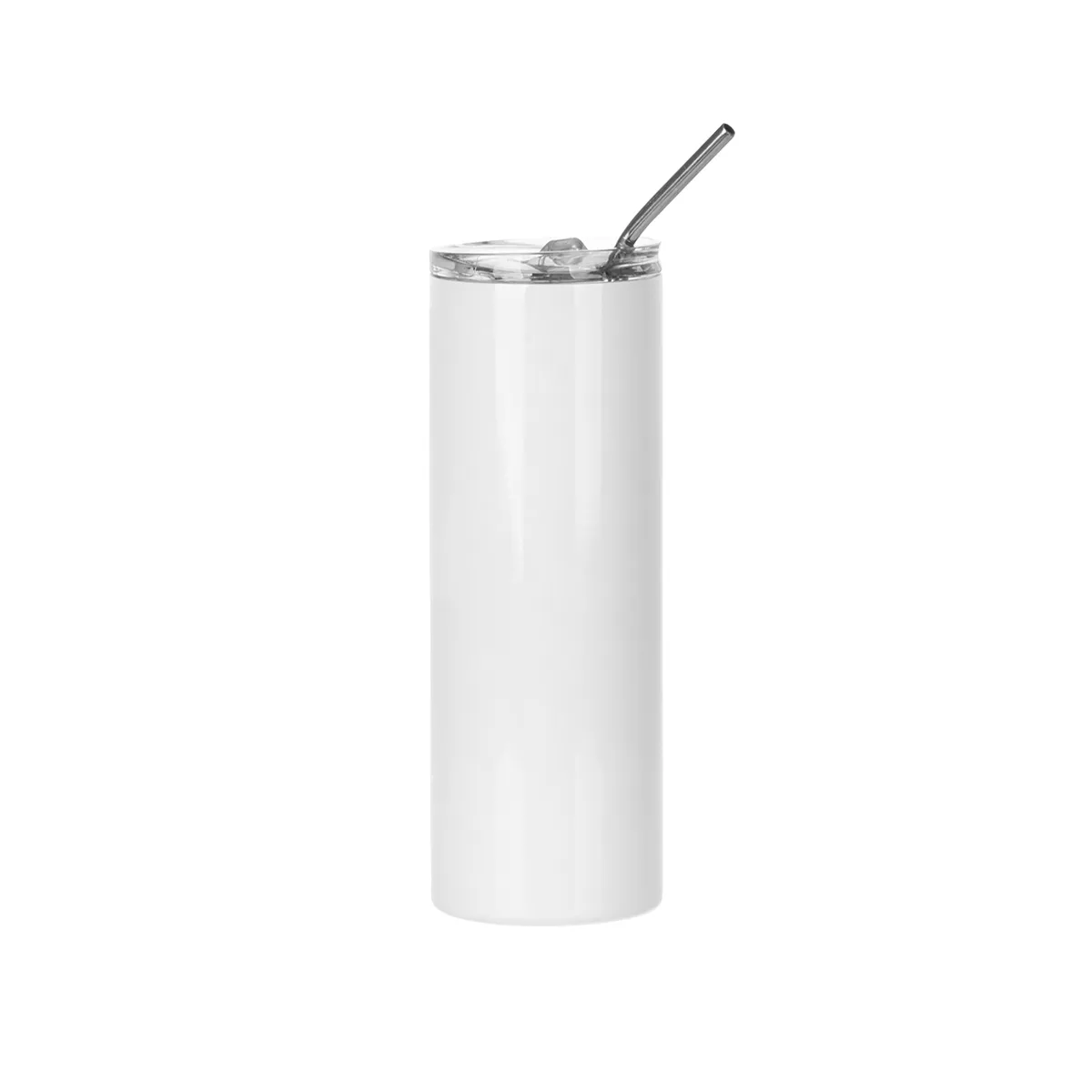
Tumbler Heat Press Printing Parameters: Stainless Steel - 356°F, 50 Seconds

Stainless Steel

356°F, 50 Seconds

If the full wrap designs, please rotate it and print again.
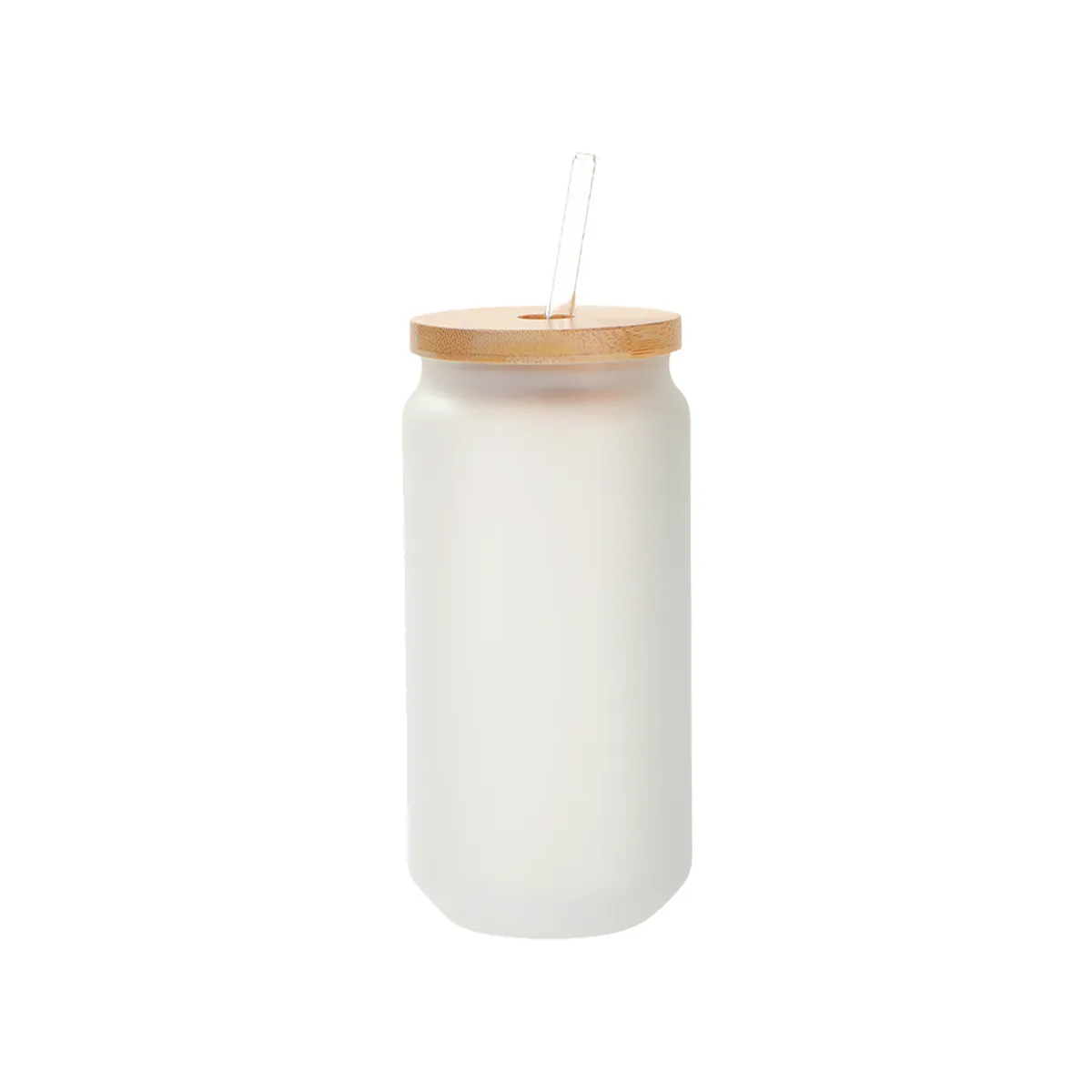
Tumbler Heat Press Printing Parameters: Glass - 356°F, 120 Seconds

Glass

356°F, 120 Seconds

If the full wrap designs, please rotate it and print again.
How to Customize it by Sublimation Oven?

How to Customize it by Sublimation Oven? Step 1: Print Designs

1. Print Designs

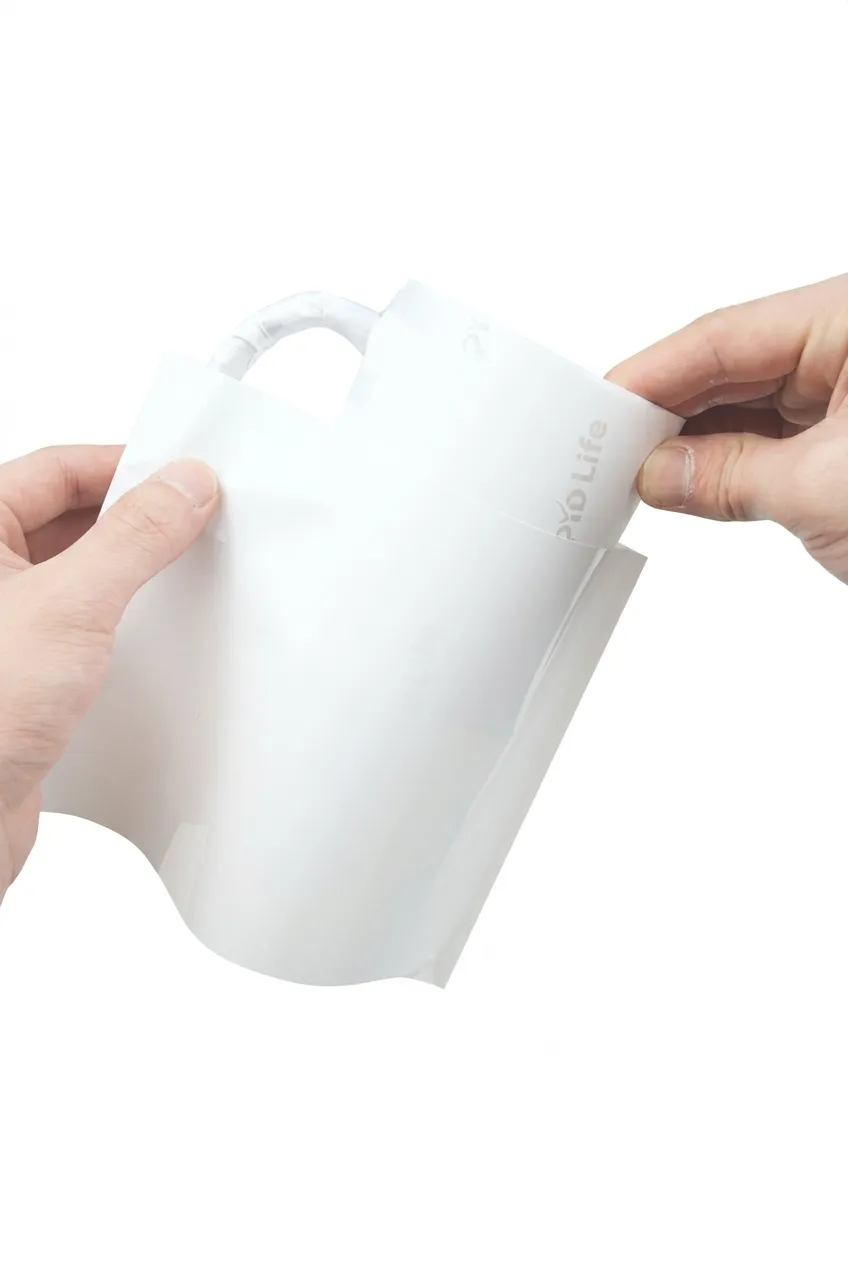
How to Customize it by Sublimation Oven? Step 2: Add on the Sublimation Mugs

2. Add on the Sublimation Mugs

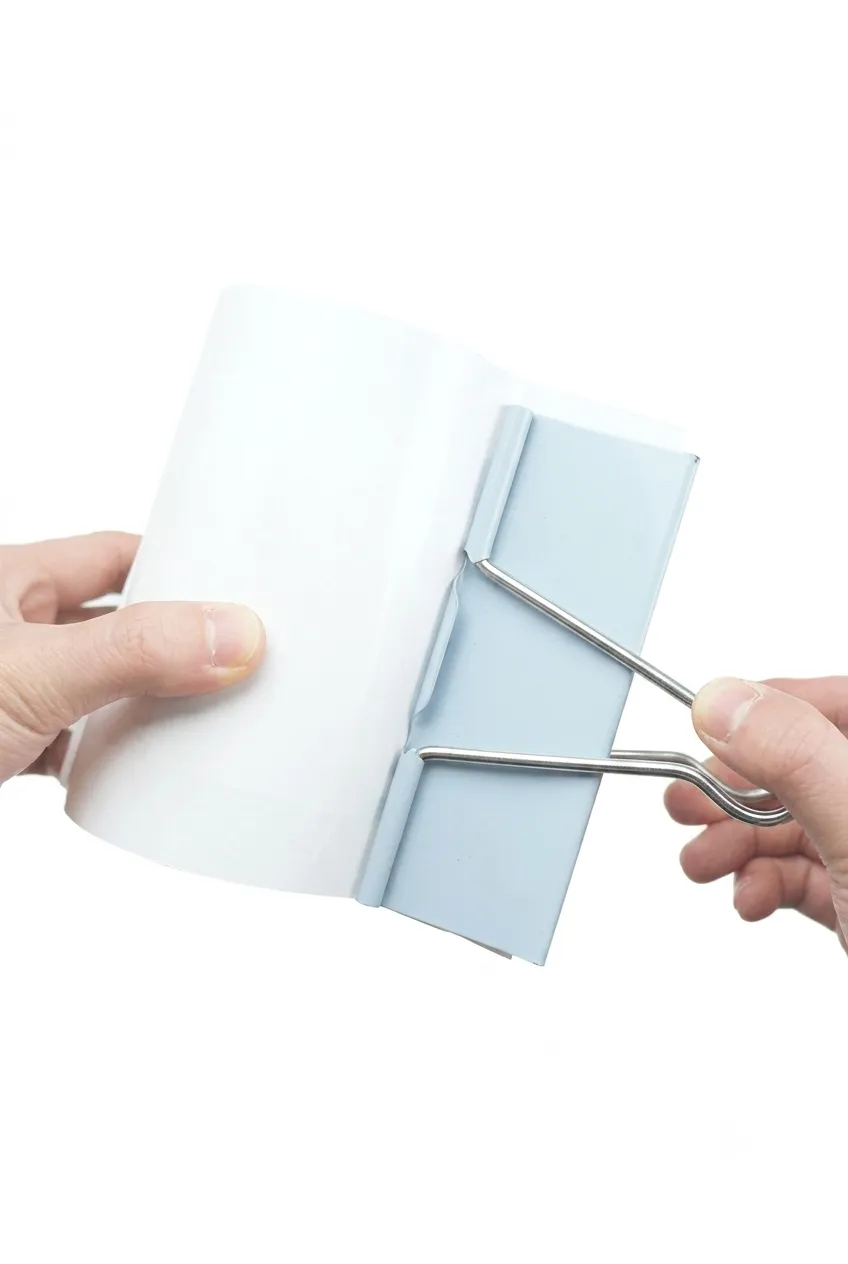
How to Customize it by Sublimation Oven? Step 3: Add Binder Clip

3. Add Binder Clip

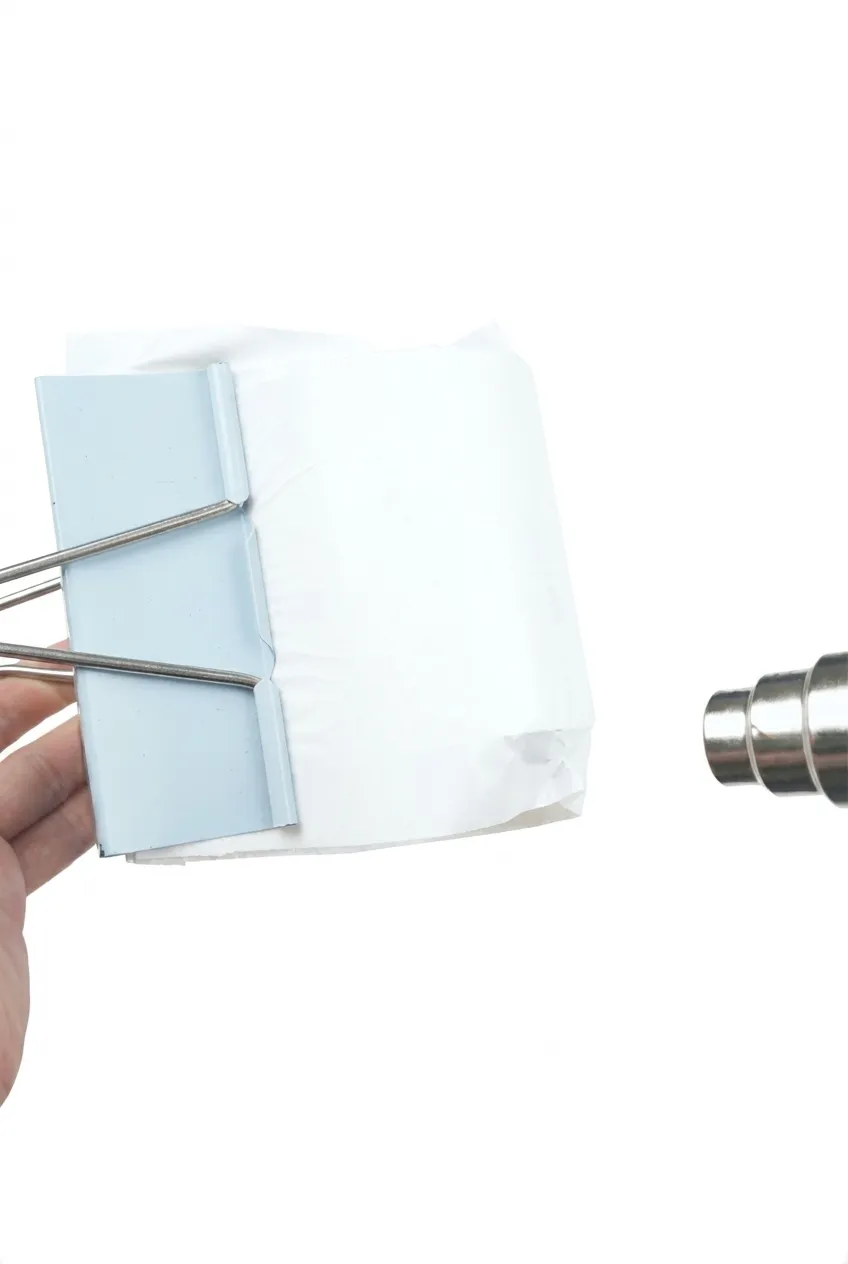
How to Customize it by Sublimation Oven? Step 4: Shrink it by Heat Blower

4. Shrink it by Heat Blower

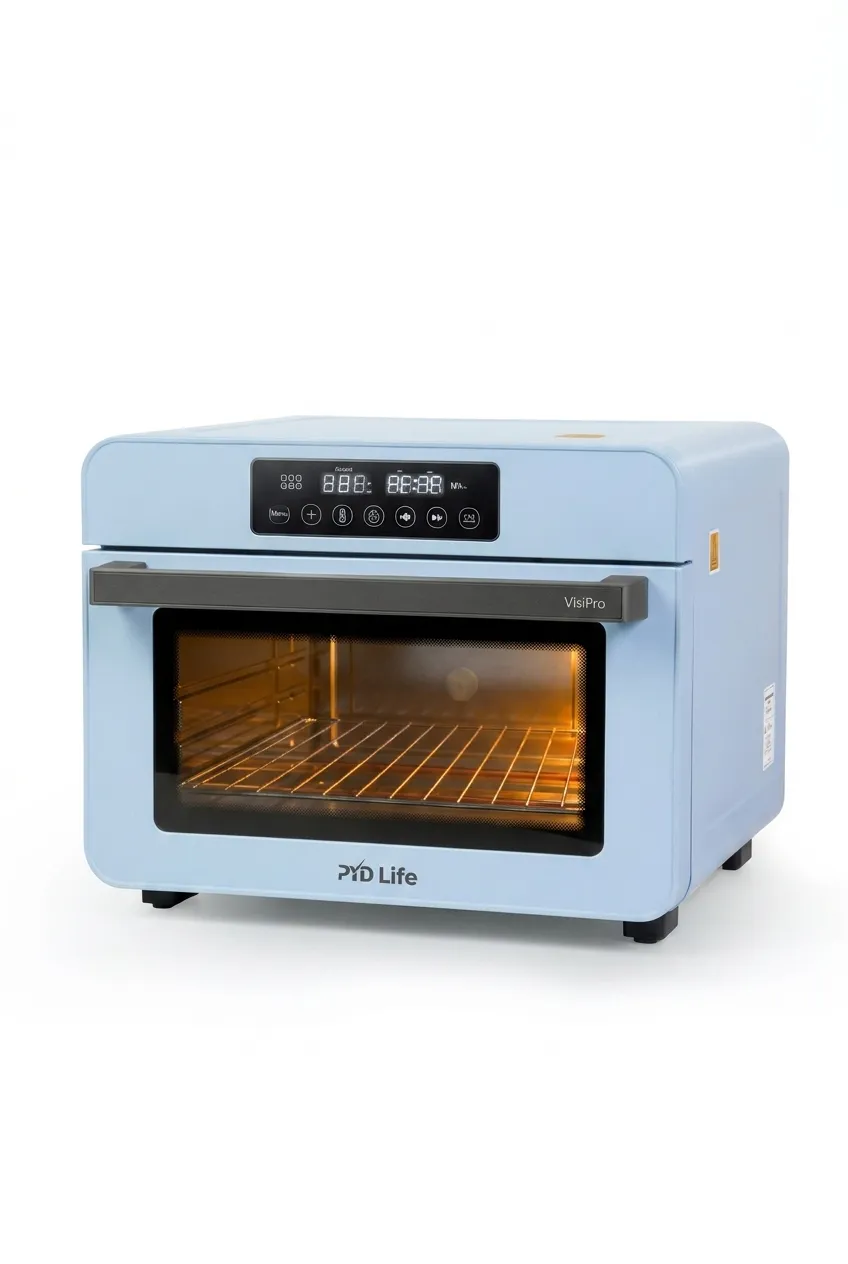
How to Customize it by Sublimation Oven? Step 5: Start Printing by Sublimation Oven

5. Start Printing by Sublimation Oven

How to Customize it by Sublimation Oven? Step 6: Hot Peel Off it

6. Hot Peel Off it

Printing Parameters by Sublimation Oven

Printing Parameters by Sublimation Oven: Ceramic - 356°F, 12 Mins for 1 piece
356°F, 15 Mins for 4 pieces

Ceramic

356°F, 12 Mins for 1 piece 356°F, 15 Mins for 4 pieces

Printing Parameters by Sublimation Oven: Ceramic - 356°F, 12 Mins for 1 piece
356°F, 15 Mins for 4 pieces

Ceramic

356°F, 12 Mins for 1 piece 356°F, 15 Mins for 4 pieces

Printing Parameters by Sublimation Oven: Stainless Steel - 356°F, 6 Mins for 1 piece
356°F, 8 Mins for 4 pieces

Stainless Steel

356°F, 6 Mins for 1 piece 356°F, 8 Mins for 4 pieces

Printing Parameters by Sublimation Oven: Glass - 356°F, 9 Mins for 1 piece
356°F, 16 Mins for 4 pieces
Glass

356°F, 9 Mins for 1 piece 356°F, 16 Mins for 4 pieces
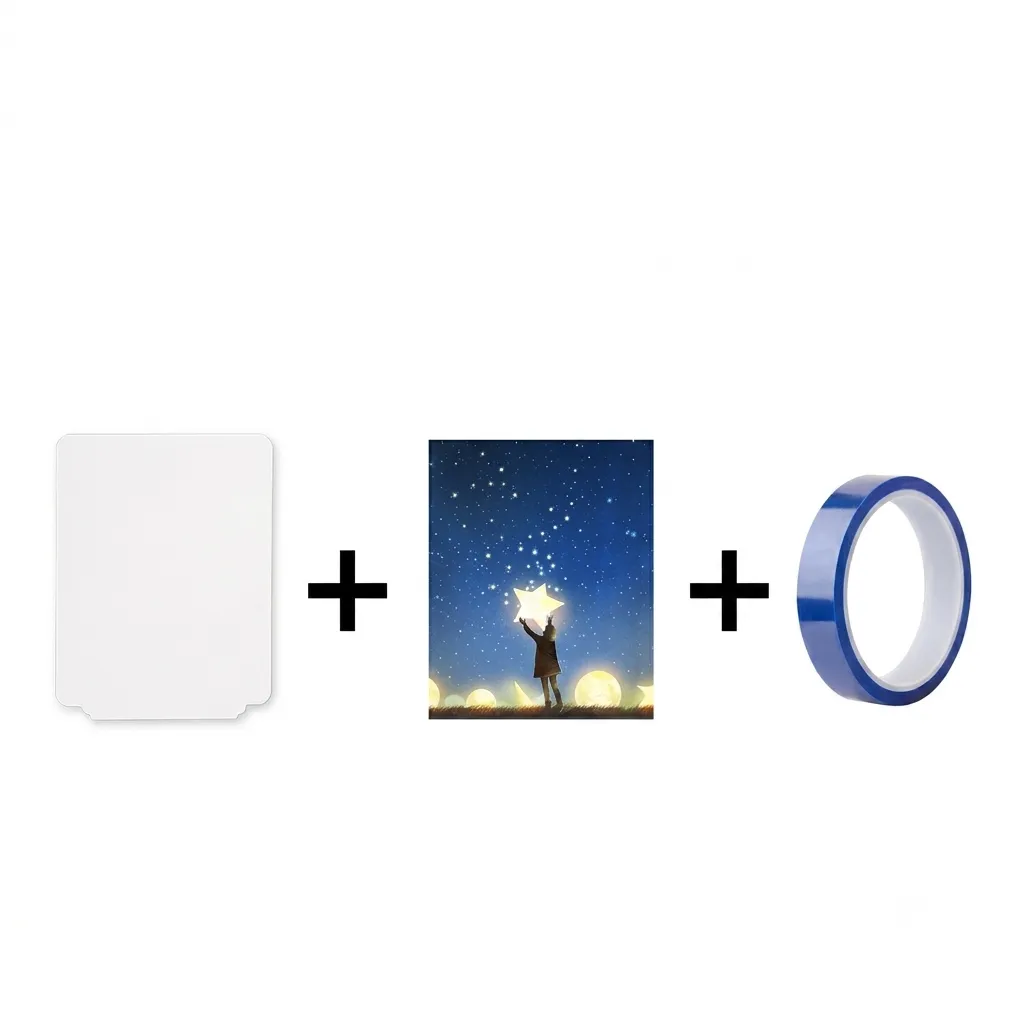
How to Customize it by Heat Press?

How to Customize it by Heat Press? Step 1: Print Sublimation Design

1. Print Sublimation Design

How to Customize it by Heat Press? Step 2: Fix Sublimation Design

2. Fix Sublimation Design

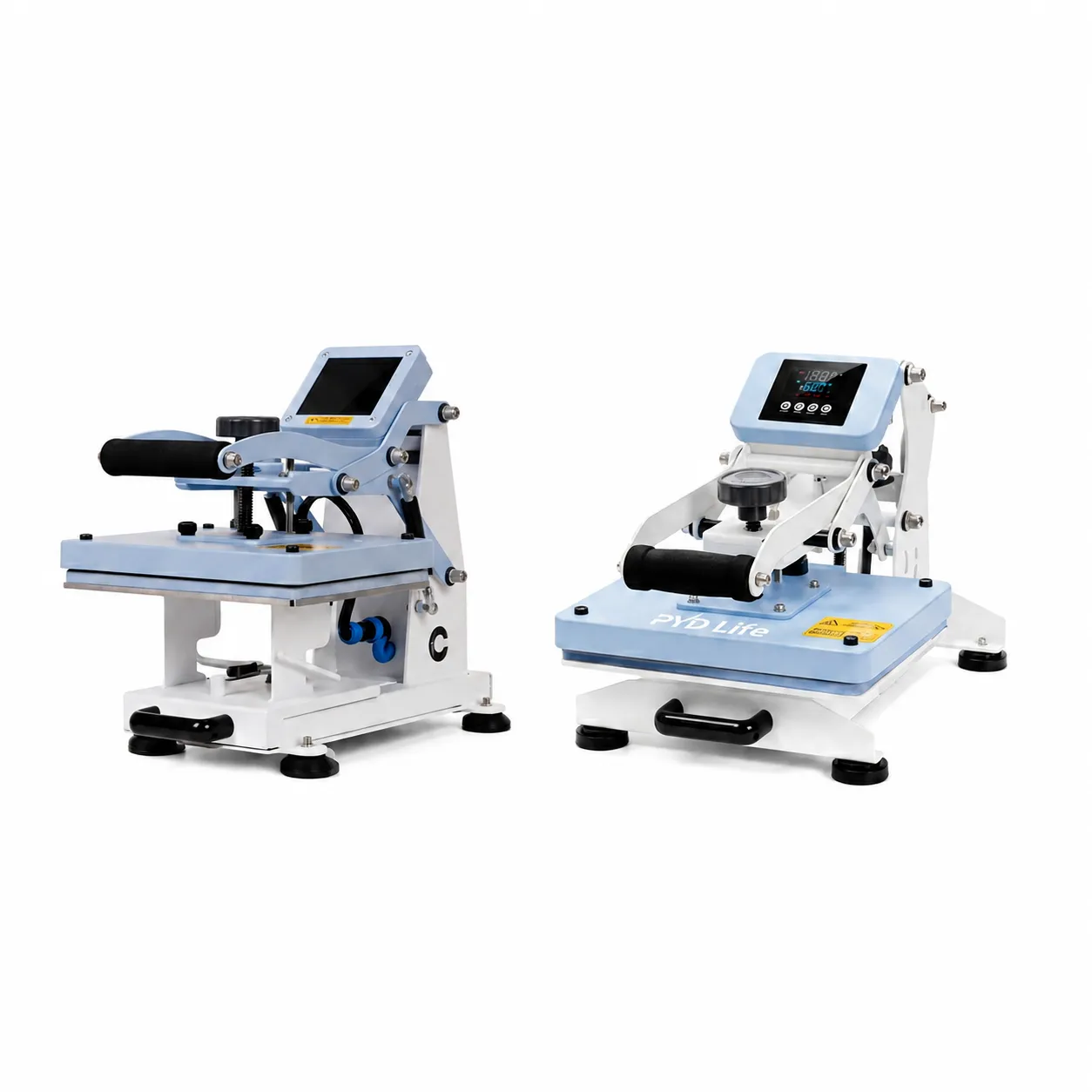
How to Customize it by Heat Press? Step 3: Start Heat Press Printing

3. Start Heat Press Printing

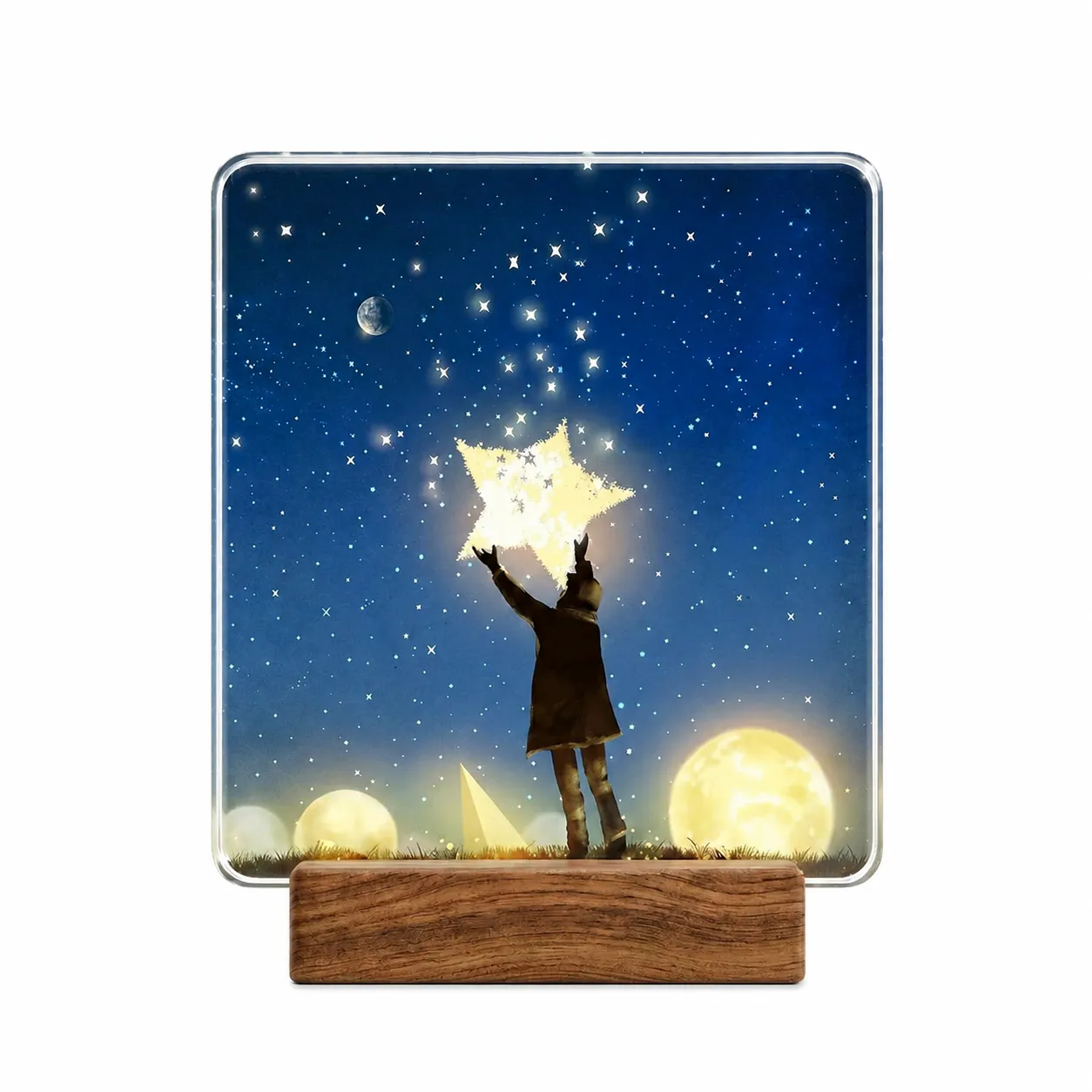
How to Customize it by Heat Press? Step 4: Finished Sublimation Photo Frame

4. Finished Sublimation Photo Frame

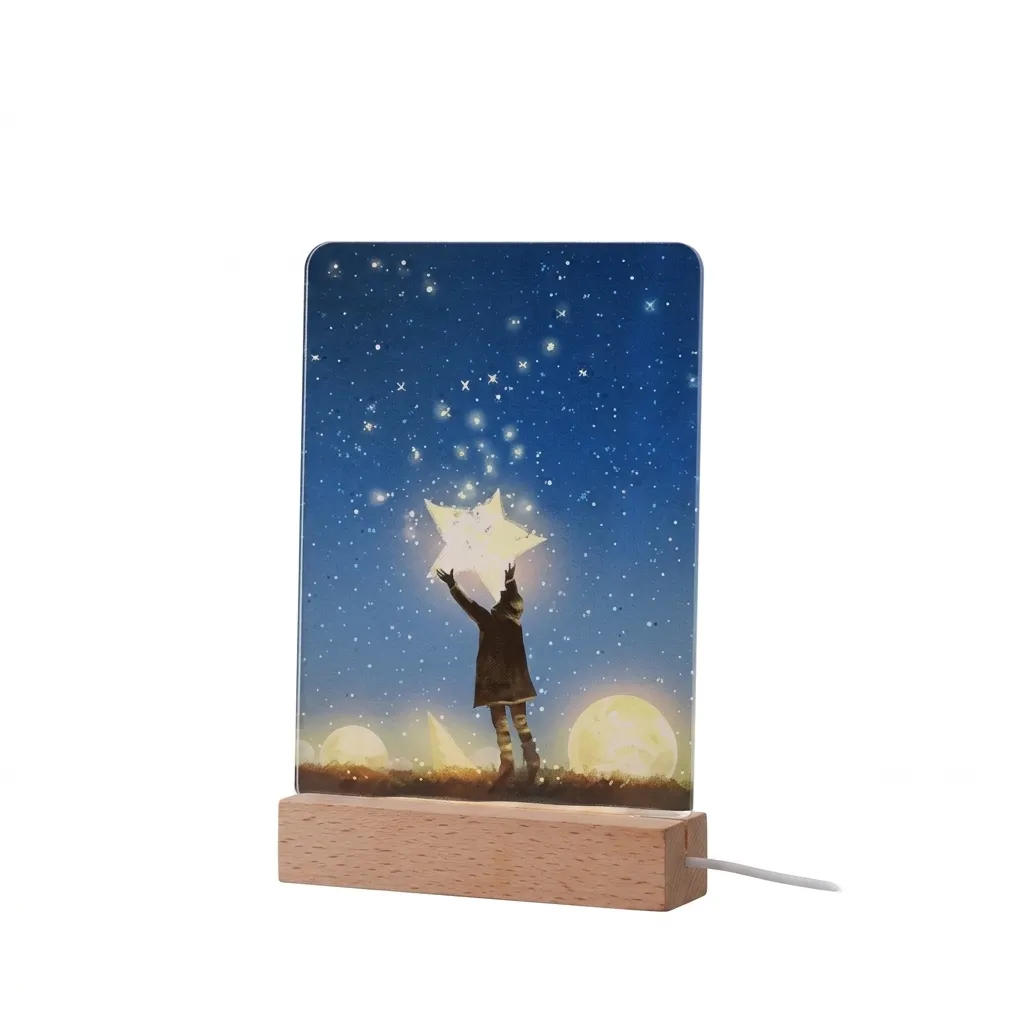
How to Customize it by Heat Press? Step 5: Install Wooden Base

5. Install Wooden Base

Printing Parameters by Heat Press

Printing Parameters by Heat Press: Ceramic Sublimation Blank - 374°F, 120 Seconds

Ceramic Sublimation Blank

374°F, 120 Seconds

Print one side first, then flip it for printing another side.
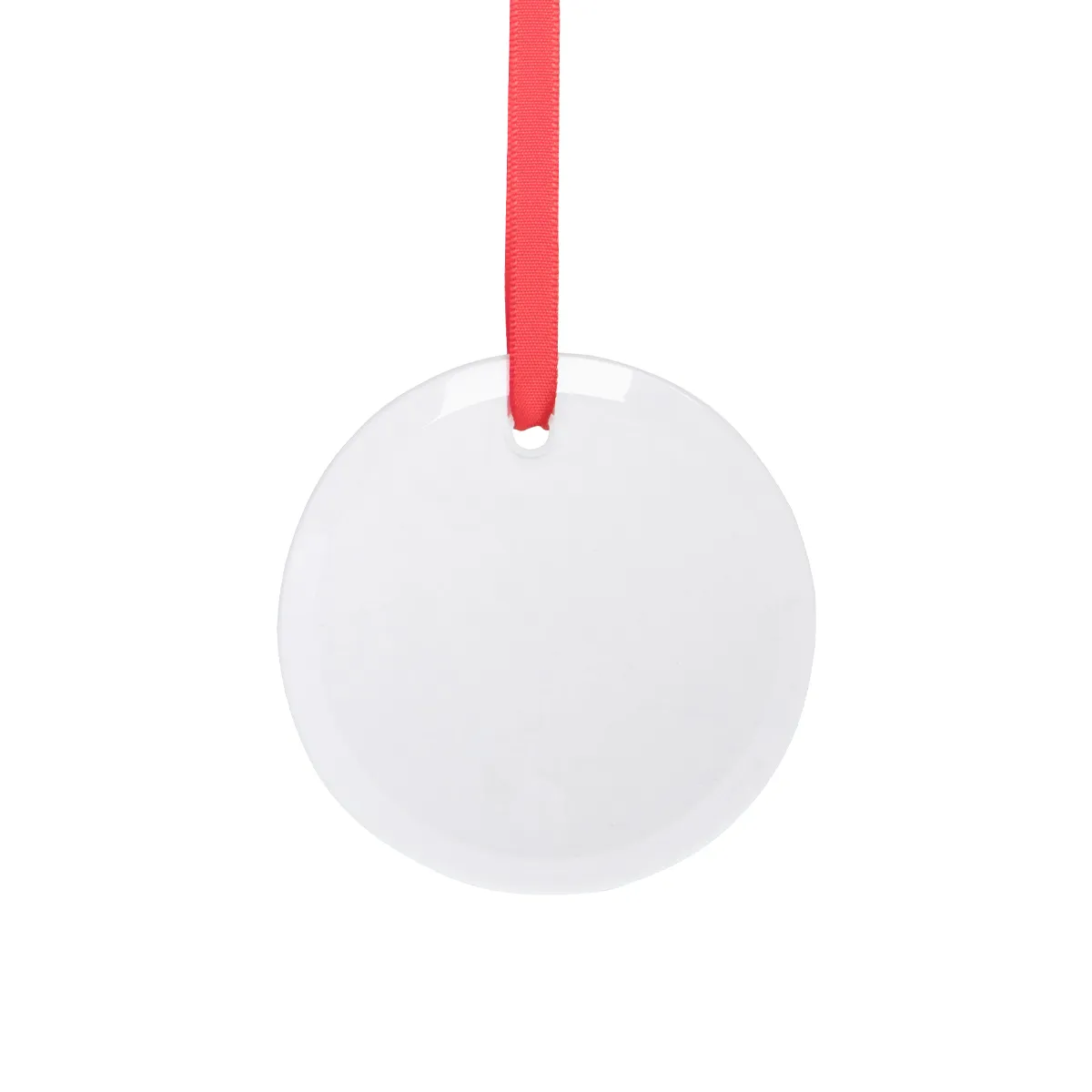
Printing Parameters by Heat Press: Glass Sublimation Blank - 356°F, 120 Seconds

Glass Sublimation Blank

356°F, 120 Seconds

Please do not mirror the print design, frosted back side for printing.
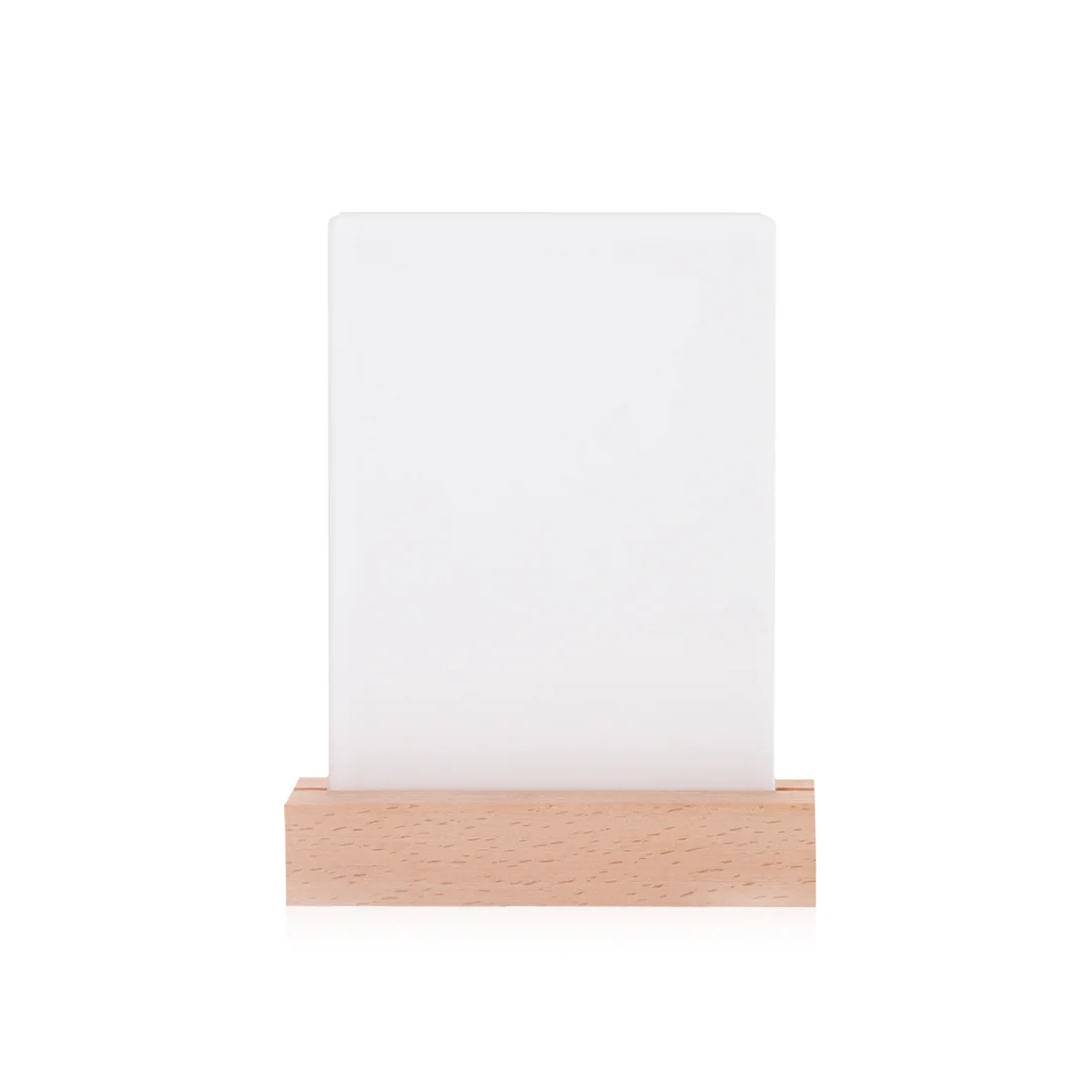
Printing Parameters by Heat Press: Acrylic Sublimation Blank - 356°F, 120 Seconds

Acrylic Sublimation Blank

356°F, 120 Seconds

Please do not mirror the print design, white back side for printing.
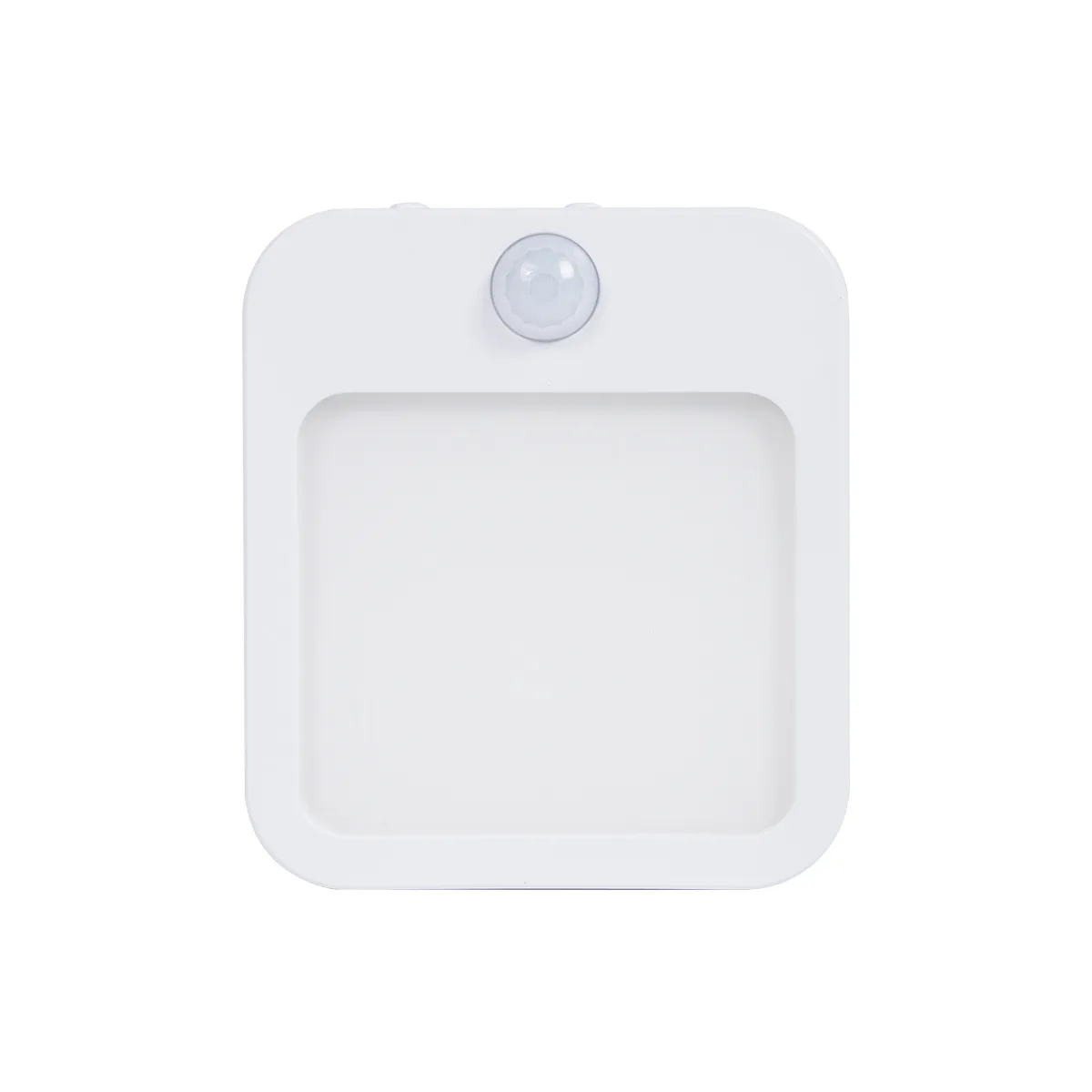
Printing Parameters by Heat Press: Acrylic Sublimation Blank - 356°F, 60 Seconds

Acrylic Sublimation Blank

356°F, 60 Seconds

Please do not mirror the print design, white back side for printing.
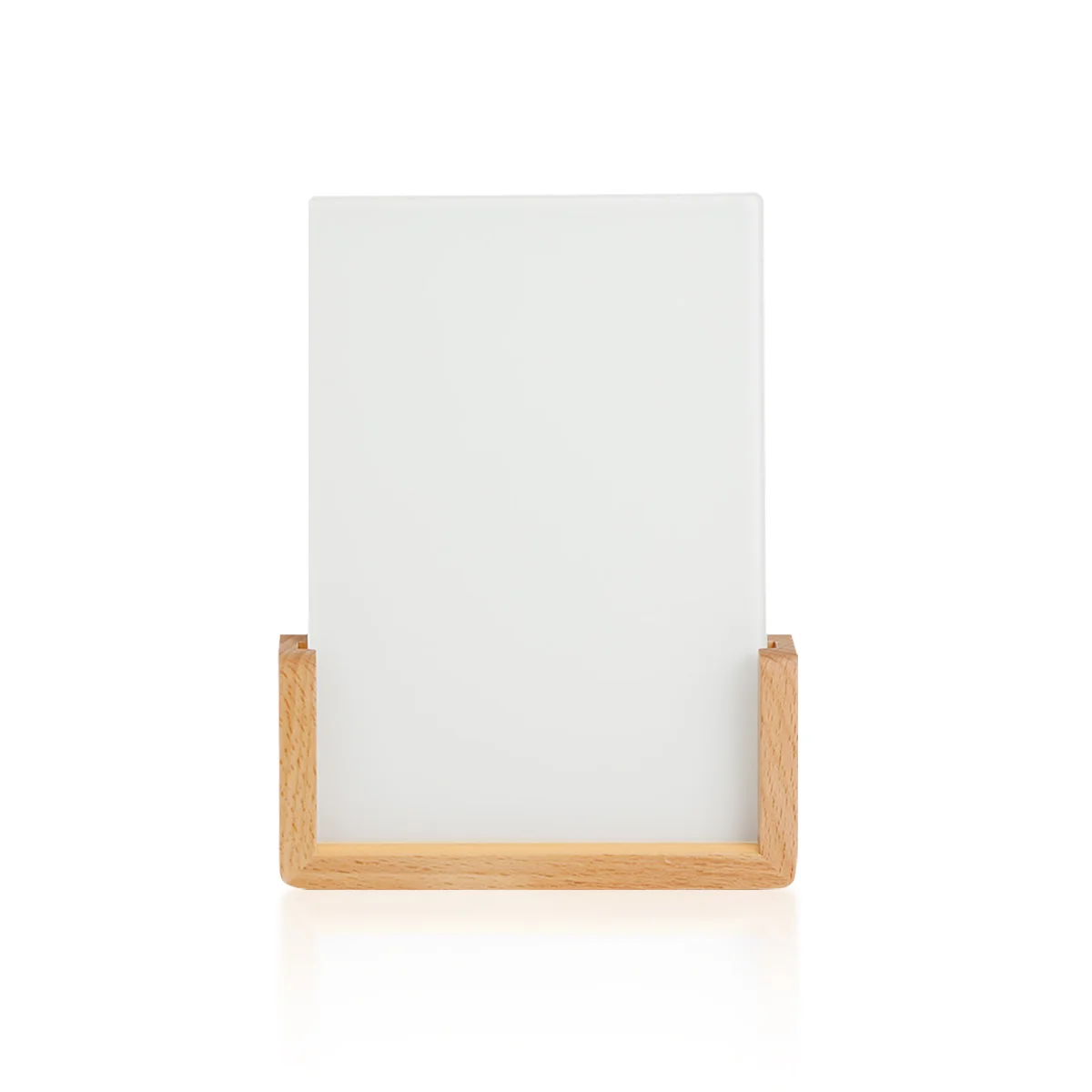
Printing Parameters by Heat Press: Glass Sublimation Blank - 374°F, 180 Seconds

Glass Sublimation Blank

374°F, 180 Seconds

Please do not mirror the print design, white back side for printing.
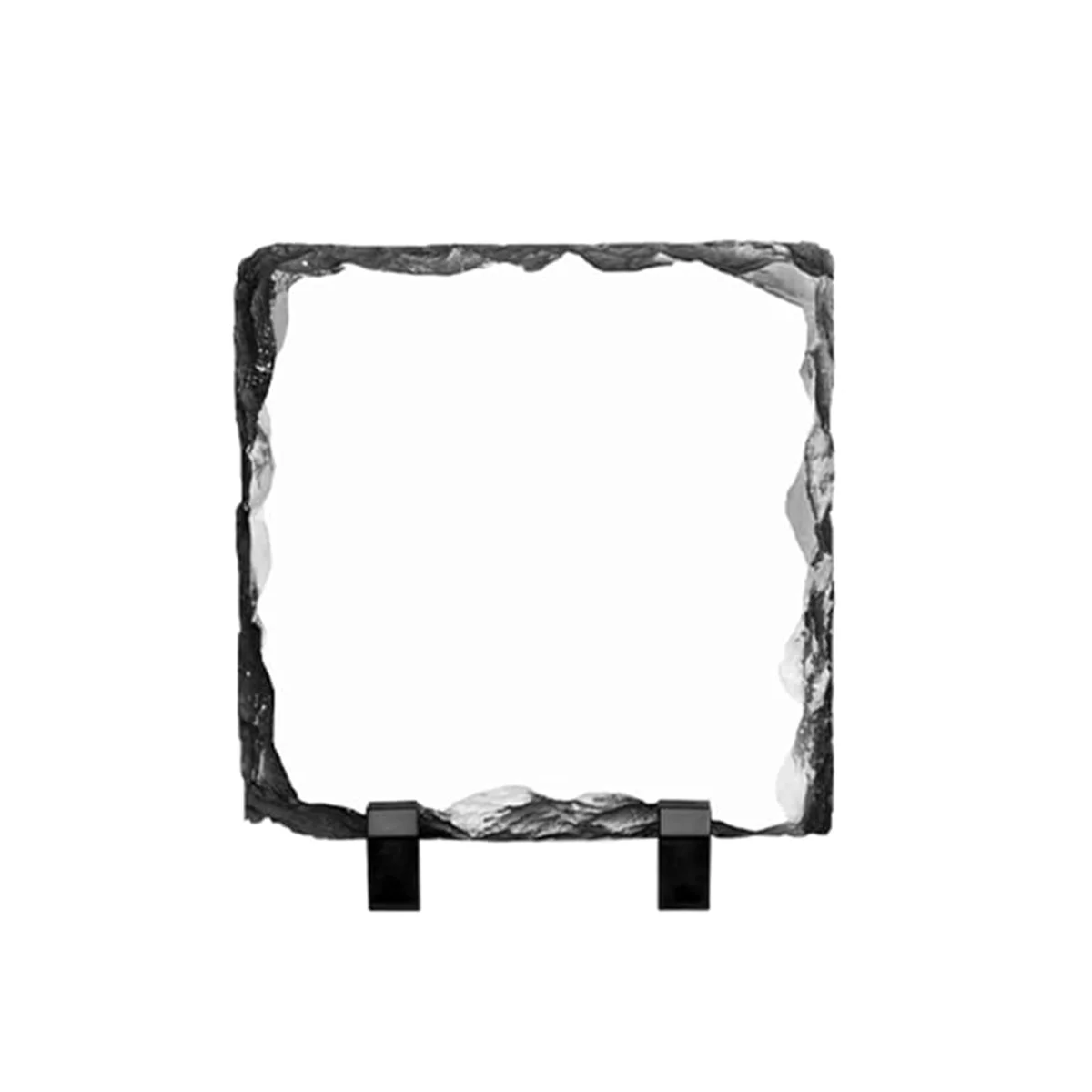
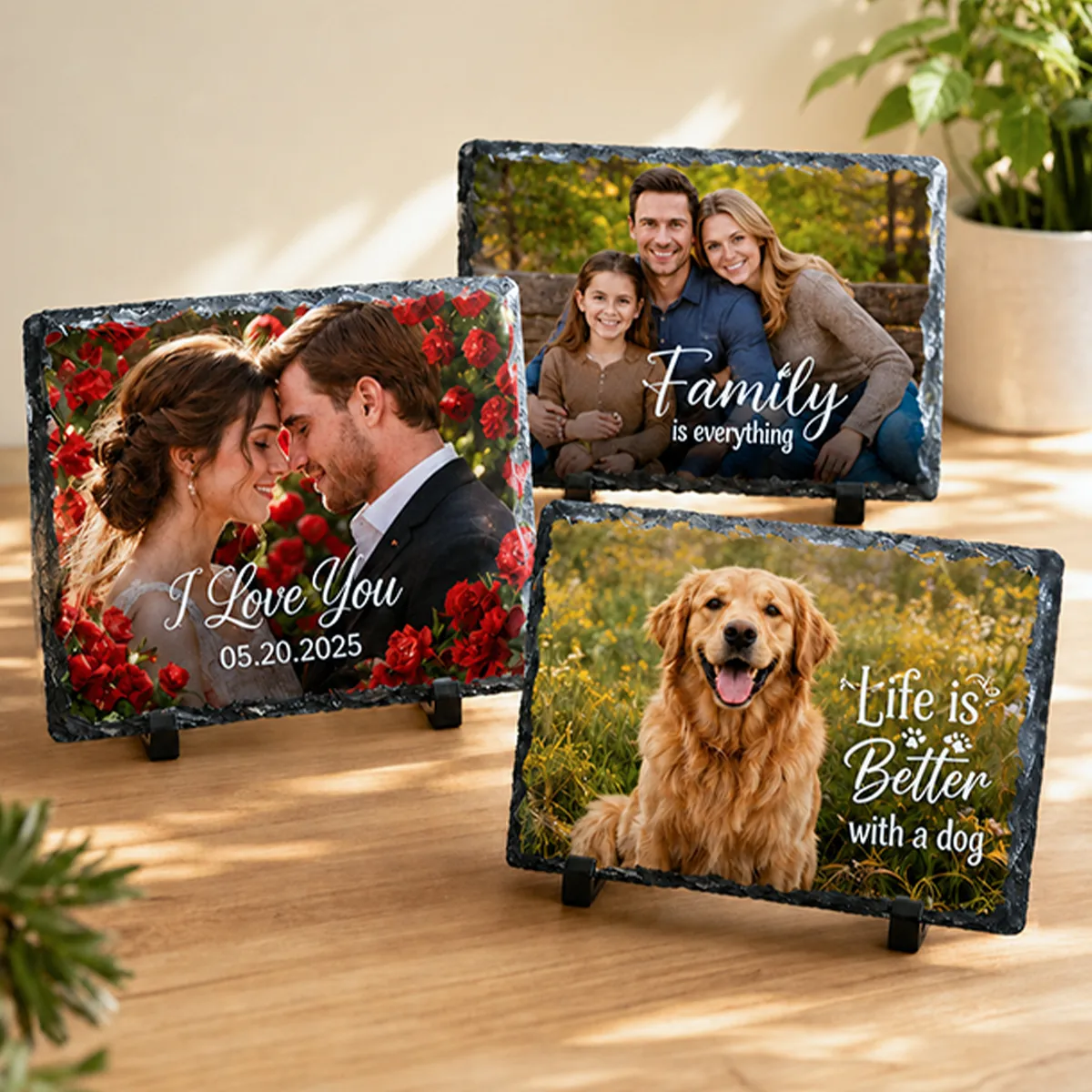
Printing Parameters by Heat Press: Photo Slate Sublimation Blank - 374°F, 480 Seconds

Photo Slate Sublimation Blank

374°F, 480 Seconds

The print side should face down for printing.
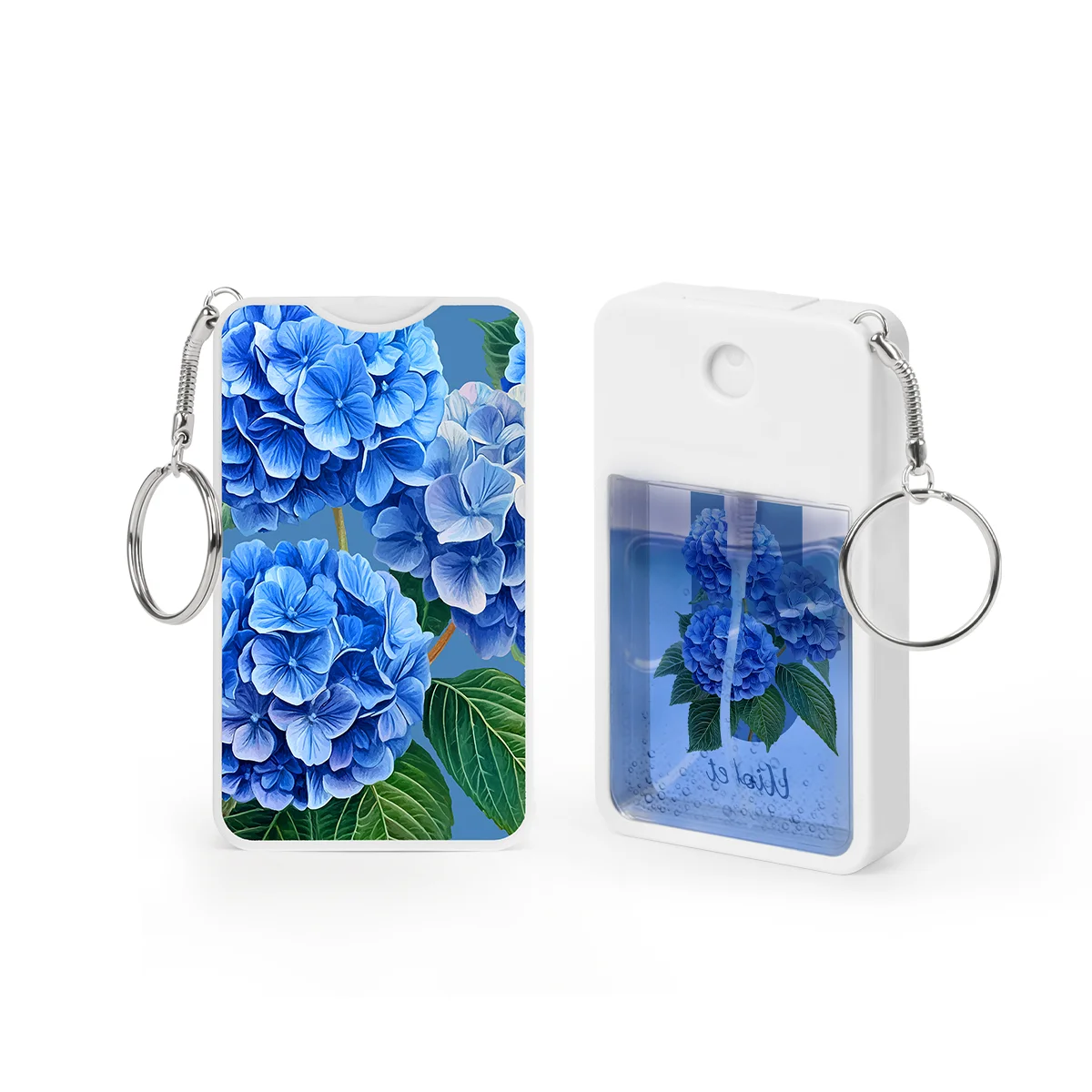
Printing Parameters by Heat Press: Aluminum Sublimation Blank - 356°F, 50 Seconds

Aluminum Sublimation Blank

356°F, 50 Seconds

Printing Parameters by Heat Press: Wood Bamboo Sublimation Blank - 356°F, 120 Seconds

Wood Bamboo Sublimation Blank

356°F, 120 Seconds

Pro Tips

Always test a small area first.

Ensure even pressure across the entire surface.

Use high-quality materials for best results.

Allow 24 hours before washing.

Use heat-resistant tape to keep transfers in place.

Check time and temperature before each material.

Need More Help?

Our support team is here for you.

Contact Support
24/7 Customer Support
Detailed Tutorials
Warranty & Service